The best WordPress theme is the one that fits your goal, loads fast on phones and keeps getting updates. No single theme wins for every site, because a law firm, a shop and a news blog need different things. This guide gives you seven steps to choose with confidence.
You will also learn how to find out what WordPress theme a site uses. We cover news themes and where to download WordPress as well. Along the way, you will see real examples from our shop.
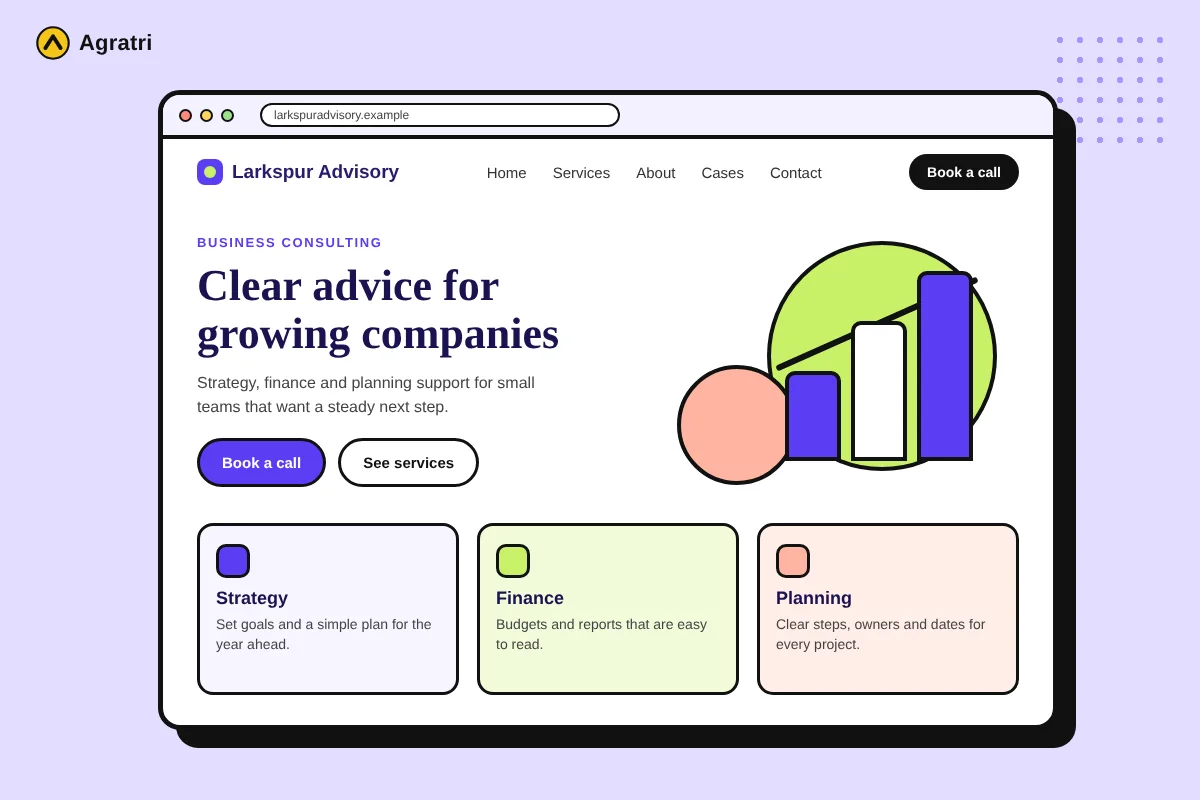
What Makes a Theme the Best WordPress Theme for You?
Many people search for the best WordPress theme as if one answer existed. In reality, “best” depends on three things.
- First, the theme must fit what your site has to do.
- Second, it must load quickly and look good on a phone.
- Third, its author must keep it updated and answer support questions.
A popular theme is not always the right one. A theme with many users can still be slow, heavy or wrong for your niche. So start with your needs, not with a ranking list.
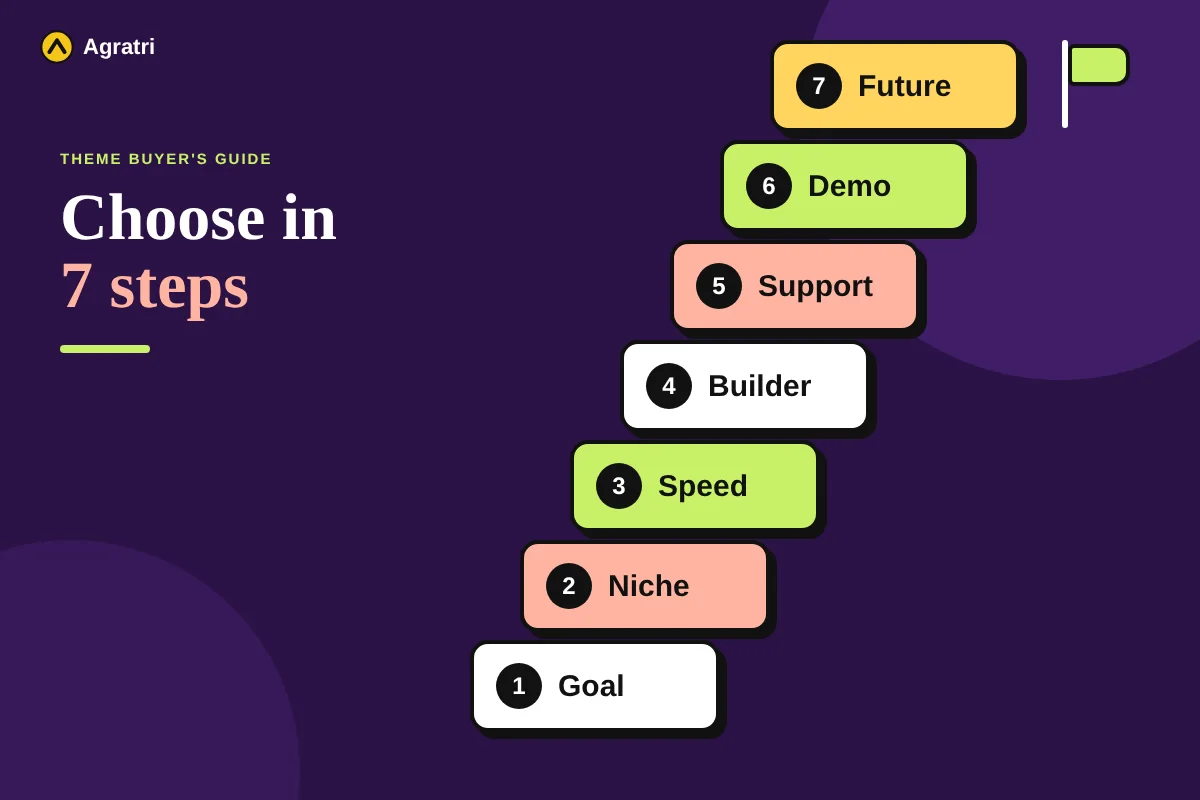
Step 1: Name the Job Your Website Must Do
Write one sentence about the main job of your site. For example, “Get calls from local clients” or “Sell products online.” This sentence guides every other choice you make. The best WordPress theme for a lead site looks very different from one built for a shop.
- Leads: you need service pages, trust sections and a clear contact path.
- Bookings: you need a booking form or a plugin that works well with the theme.
- Sales: you need product pages, a cart and a smooth checkout.
- Publishing: you need fast archive pages and a clean article layout.
Next, list the pages you need. A business site often needs Home, Services, About, Case Studies and Contact. If a theme demo has none of these, keep looking.
Step 2: Match the Best WordPress Theme to Your Business Type
A niche theme saves setup time because the layouts already fit your industry. For example, Fintex is a consulting and corporate theme. BrightHub is built on Elementor for SaaS and tech startups.
We also have themes for law firms, IT companies, agencies, auto repair, landscaping, online shops and hosting companies. You can browse all our themes and templates by category. Each product page describes what the theme includes, so you can compare before you decide.
Not sure which niche fits? Pick the theme whose demo looks closest to your finished site. Then check that you can change colors, fonts and sections without code.
Step 3: Check Speed and Mobile Layout
Most visitors browse on phones, so open the live demo on yours first. Check that the menu opens, the text is easy to read and the buttons are big enough to tap. If the layout breaks on a small screen, choose another theme.
Even the best WordPress theme fails if its pages load slowly. Slow pages lose visitors and can hurt your search rankings. Install the theme on a test site, add your real images and run a speed test. A light theme with simple code usually beats a heavy one packed with sliders and effects.
Step 4: Pick a Page Builder You Will Use
Themes work with different builders. Some use Elementor, others use Beaver Builder, and some rely on the block editor. The best WordPress theme should match the builder your team already knows. Otherwise, you may need to learn a new tool while you launch.
Also think about the long run. Switching builders later often means rebuilding your pages. For that reason, make this choice before you add content.
Step 5: Look at Updates and Support
A theme needs regular updates to stay compatible with WordPress. Check the date of the last update and the WordPress version it supports. A public change log is a good sign, because it shows steady work.
Support matters as much as design. The best WordPress theme comes with an author who answers questions. Read the product page to see what help you get. In addition, look for clear setup notes that cover the first steps.
Step 6: Test the Demo Like a Visitor
Do not pick the best WordPress theme by its home page alone. Open the inner pages too. Try the contact page, the blog layout and a service page. Then fill in a form to make sure it works.
Also look at the details that visitors notice. Is the text easy to read, and do the images load fast? Does the header stay usable when you scroll? These small checks reveal problems that screenshots hide.
Step 7: Plan for Changes Later
Your needs will change as your business grows. So choose a theme that you can adjust safely. A child theme lets you change a design without editing the parent theme. The official WordPress child theme guide explains how it works.
If you need more than small tweaks, compare your options first. Our article on theme customization vs custom theme shows how to decide. Either way, keep your content in standard posts and pages. That makes a later switch much easier.
What WordPress Theme Is That Site Using?
Sometimes you see a design you like and want to know its theme. You can often find out in a minute. Try these four ways in order.
- Look at the footer. Many sites credit the theme author there.
- View the page source and search for wp-content/themes. The folder name after it is the theme name.
- Open the theme’s style.css file in your browser. Its header lists the theme name and author.
- Use an online theme detector tool. It reads the same information for you.
However, custom or renamed themes may not show up. In that case, use the design as inspiration and look for a similar layout in a theme you can buy. Never copy another site’s text or images.
Best WordPress News Theme: What to Look For
A news site publishes often, so its theme must handle many posts without slowing down. It also needs a homepage that puts the top stories first. A news site rarely shares the same best WordPress theme as a business site. Check these points on any news or magazine theme:
- Fast archive pages with good pagination
- A flexible homepage with featured story blocks
- Space for ads and sponsored content
- Readable type for long articles
- Author boxes, dates and related posts
Our shop does not list a news theme right now. If you need a news layout built to your brand, see our WordPress theme development service. For a small blog, a free option may be enough, as the next section explains.
Free or Paid: A Quick Note
A free theme can work for a hobby blog or a test site. A business that depends on leads or sales usually needs better layouts and faster help. Our guide to free and premium WordPress themes gives nine checks you can run on both types.
Frequently Asked Questions
What is the best WordPress theme for a business website?
The best WordPress theme for a business site fits your industry. It also has fast mobile pages and active support. Match the theme to your goal first. Then test the demo on your phone before you buy.
Is a free theme good enough for a business site?
It can be, if your site is small and your needs are simple. However, a business that needs leads often benefits from better layouts and real support. In that case, a paid theme is usually the safer choice.
How do I find what WordPress theme a site is using?
View the page source and search for wp-content/themes. The folder name after it is the theme name. You can also use an online theme detector, but custom themes may not show up.
Which WordPress theme is best for a news site?
No single theme is best for every news site. Choose one with fast archive pages, strong type and a flexible homepage. Then test it with your real articles.
Where can I download WordPress?
Use the official WordPress.org download page. It offers the latest release and install help. Many hosts also offer a one-click install, which is easier for beginners.
Find the Best WordPress Theme for Your Site
Choosing the best WordPress theme gets easier when you follow the seven steps. Start with your goal, test the demo on a phone and check updates and support. Then pick a theme that matches your niche.
Ready to compare? Browse our WordPress themes, or tell us what you are building on our contact page. We will point you to a fitting theme or service.