Customize a theme you already have if its structure fits your site and you mainly need your own brand, layouts and a few extra sections. Build a custom theme if your site needs a structure or feature set that no existing theme comes close to. For most small business, portfolio and agency sites, customizing is faster and cheaper. A custom build pays off when the site itself is unusual.
This guide compares theme customization vs custom theme development on cost, speed, control, update safety and long-term upkeep. It then gives you a six-step checklist to decide, and shows how to customize a theme without losing your work when the theme updates.
What is the difference between theme customization and a custom theme?
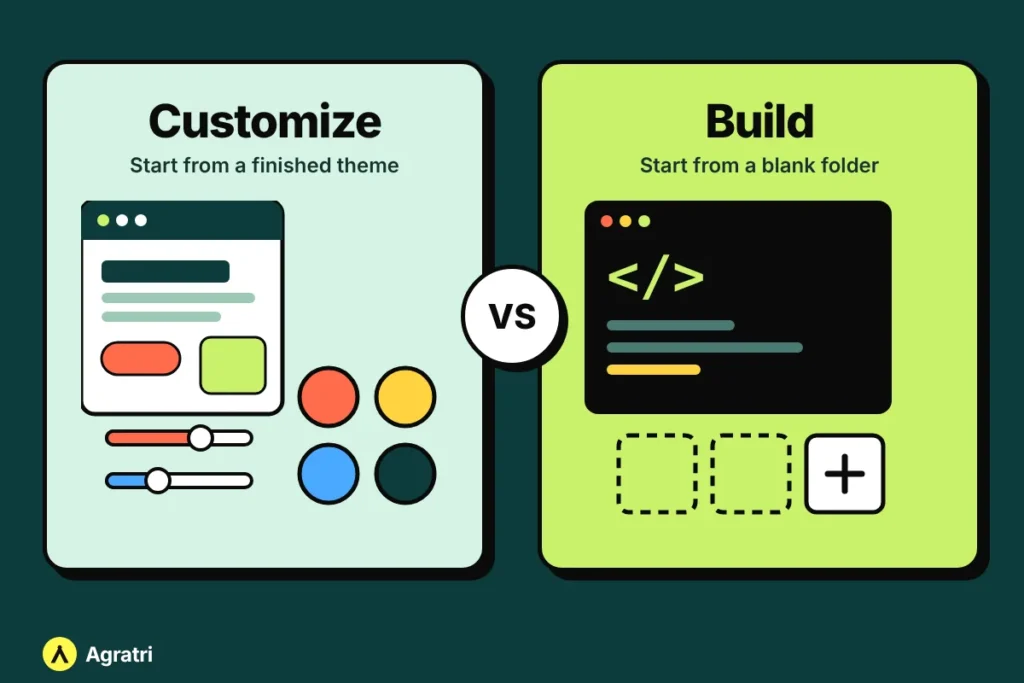
Theme customization means starting with a finished WordPress theme and reshaping it: colors, typography, layouts, headers, footers, extra sections and small features. The theme’s structure stays in place, while the look and some of the parts change.
A custom theme (also called theme development) means a developer writes a theme from scratch for your project, usually from a design you provide. Only the code your site needs is included.
Both routes give you a site that does not look like the demo. The difference is where you start: with a finished product, or with an empty folder.
Theme customization vs custom theme: side by side
- Starting point: Customization starts from a working theme with demo pages. A custom theme starts from your design and a blank codebase.
- Cost: Most published price guides put full custom theme builds in the thousands of dollars, while ready-made themes usually cost far less. Customization sits in between. On Agratri, theme customization starts at $149 as a fixed quote agreed before work begins.
- Speed: Customization is quicker because the structure already exists. A custom build needs design review, development and testing before launch.
- Control: A custom theme gives you the most control over structure and code. Customization gives you control over the look and selected features, within the theme’s framework.
- Code weight: A custom theme can leave out everything you do not use. A ready-made theme may include options you never need, so good customization keeps the added code minimal.
- Updates: A ready-made theme keeps receiving updates from its maker, as long as your changes are stored safely. A custom theme is maintained by you or your developer.
When customizing a theme is the better choice
Customization is usually the right call when:
- A demo already has the pages you need, such as Home, Services, About, Blog and Contact.
- Your main goal is to match your brand with your colors, fonts, logo and imagery.
- You want to launch soon without a long design and development cycle.
- You would like the theme’s own updates to keep coming.
- Your budget is fixed and you want to know the price before work starts.
If you are still choosing the base theme, our guide to choosing a WordPress theme for a law firm shows what to check on any demo, and the same checks apply to other business types. If you are not sure whether you need WordPress at all, read HTML template vs WordPress theme first.
When a custom theme is worth it
A custom theme makes sense when:
- Your content is unusual, such as several custom content types, filters or a structure that does not match a normal blog or business site.
- You have a finished design, for example in Figma, and no existing theme can match it closely.
- You want lean code with no page-builder lock-in.
- The site is a long-term business asset and you want to own the code.
Agratri’s theme development service builds custom themes from scratch with clean, semantic code and responsive, mobile-first layouts. A theme can be a classic coded theme or work with Elementor or the block editor. You get a staging link to review progress, plus documentation and handover. Once the project is delivered and paid, the theme is yours to use and modify.
What good customization can change
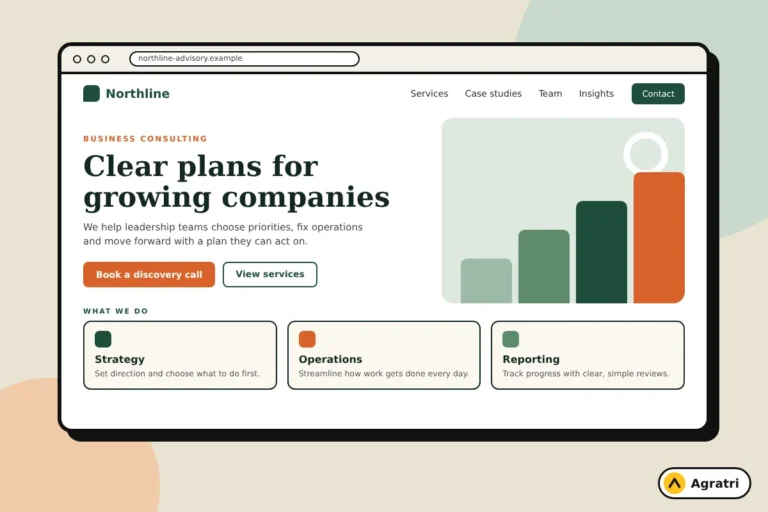
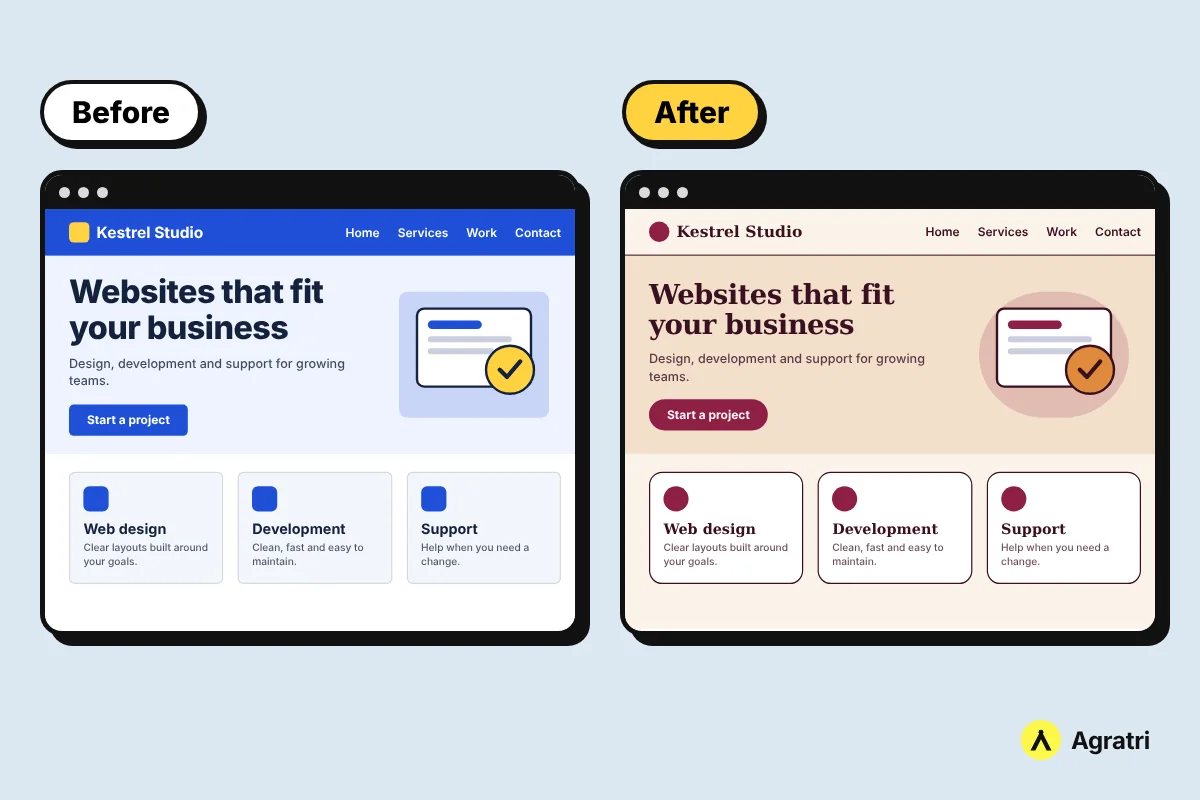
A well-done customization changes the surface and adds what you need, without editing the original theme files. The same layout can take on a completely different personality through new colors, typography and component styling, as the before and after example below shows.
- Brand colors and typography
- Header, footer and menu styling
- Layout and section adjustments
- Extra sections built on request
- Mobile and responsive fine-tuning
How to customize a theme without losing changes on update
Updates replace theme files, so any change made directly inside the theme folder can disappear. Follow these steps to stay safe.
- Back up first. Save a full copy of your files and database before you change or update anything.
- Use a child theme for code changes. A child theme sits on top of the parent theme. You update the parent while your changes stay in the child.
- Use the built-in Customizer for small style changes. Colors, logo and menus set there are stored in the database, and the Additional CSS box covers small design tweaks.
- Keep custom functions out of parent files. Put them in the child theme or a small plugin so an update cannot overwrite them.
- Test updates on a staging copy. Update there first, check the key pages on desktop and phone, then update the live site.
- Write down what you changed. A short list saves hours when someone else needs to maintain the site.
If you would rather hand this over, our theme customization service includes update-safe child theme work, cross-browser testing and responsive fine-tuning. It works on any WordPress theme, wherever you bought it.
A six-step checklist to decide
- List your pages and features. Write down every page type and function the site needs.
- Check two or three theme demos. Mark which pages already match your list.
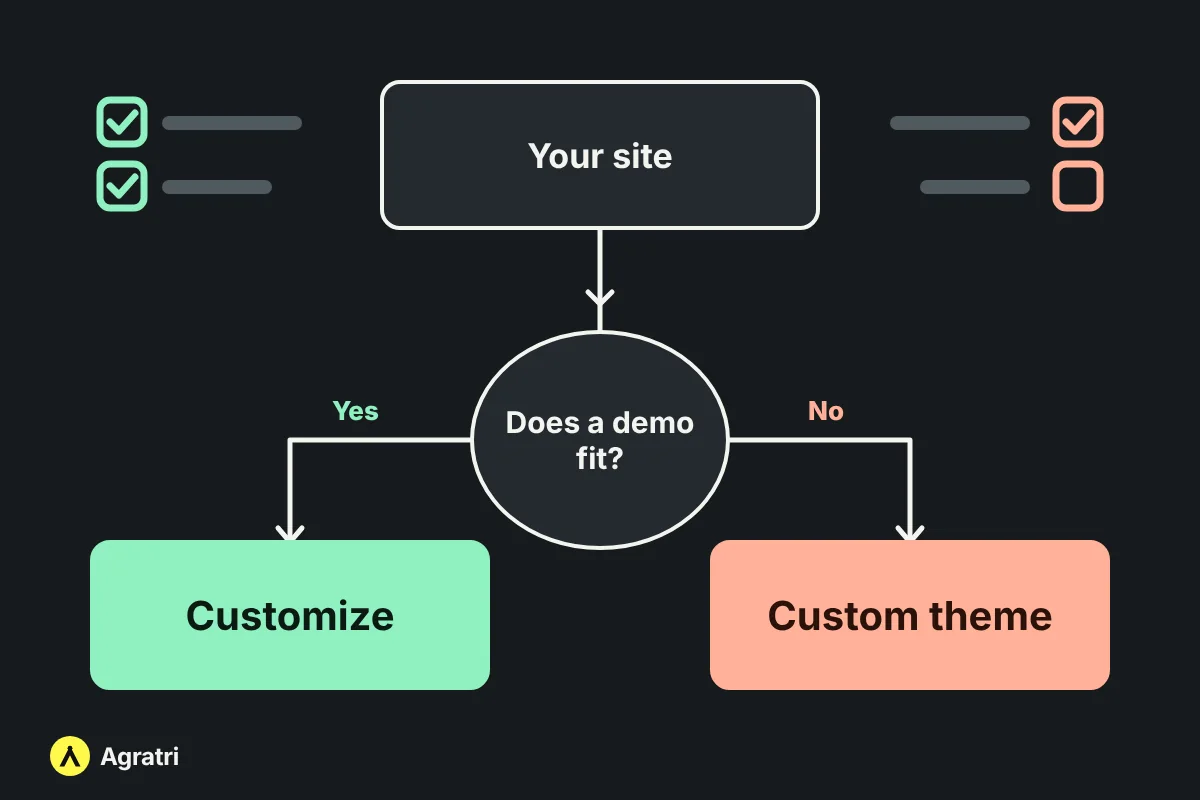
- Apply the rule of thumb. If a demo already matches most of your page structure, customize it. If you would have to rewrite most sections, you are really asking for a custom theme.
- Set a budget and a launch date. A tight deadline favors customization.
- Decide who maintains the site. If nobody will, pick the option that is simplest to keep updated.
- Ask for a fixed quote. A written price and timeline before work starts protects you from surprise costs.
Common mistakes to avoid
- Editing the parent theme directly. It works until the next update erases it.
- Paying for a custom build when a demo plus customization would do. Compare demos first.
- Adding plugins to fake features. Too many plugins slow the site and add things to maintain.
- Skipping staging. Test changes away from the live site.
- Starting from an untrusted theme. Begin with a clean base. Every theme and template in the Agratri store is reviewed and malware-scanned before it is listed.
Frequently asked questions
What is the difference between theme customization and custom theme development?
Customization reshapes an existing theme to fit your brand and needs. Custom theme development builds a new theme from scratch for your project. Customization is usually faster and cheaper, and a custom build gives the most control.
Is it cheaper to customize a theme or build a custom one?
Customizing is usually cheaper, because the structure, pages and responsive layout already exist. A custom theme costs more because design, coding and testing all start from zero.
Will customizing a theme break when I update it?
Not if the changes live in a child theme, the Customizer or a small plugin. Changes made directly inside the parent theme’s files are the ones that get overwritten.
Can I customize a theme I bought somewhere else?
Yes. Agratri customizes any WordPress theme, wherever it was bought. Send the theme, your brand assets and a few examples of what you want.
Do I need a child theme?
You need one if you change theme code or templates. For colors, logo and small CSS tweaks, the built-in Customizer is often enough.
Get a quote that fits your site
Not sure which route suits your project? Tell us about your site and share the theme you have in mind. We will point you to customization or a custom build and send a fixed quote before any work begins.