A SaaS WordPress theme should make four jobs easy: explain your product, show your plans, build trust, and load fast on a phone. If a theme does those well, you can launch a software site in days. If it does not, you will fight it on every page.
This guide gives you nine checks to run before you buy a SaaS WordPress theme. It also lists the pages a software site needs and a simple way to test a theme. First, let’s see what makes this kind of theme different.
What a SaaS WordPress theme needs to do
A software site has one main goal. It turns a curious visitor into a trial, a demo request or a sign-up. A general business theme can look nice, but it rarely handles that goal well. A SaaS WordPress theme is built around the way software buyers read a site.
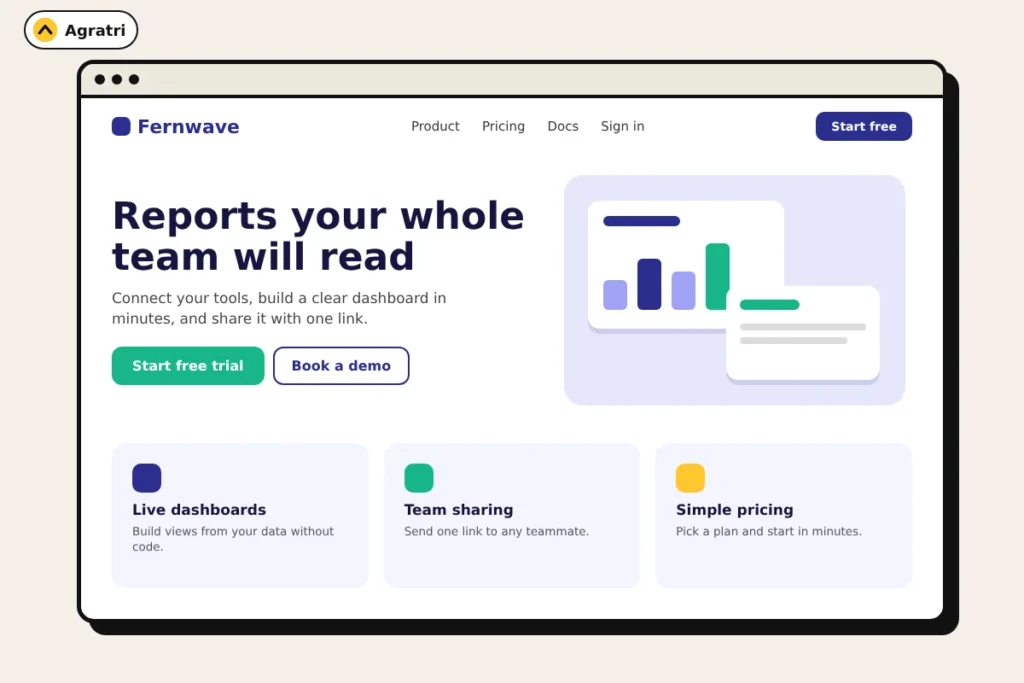
Buyers want to know what the tool does, who it is for, and what it costs. They also want proof that other teams use it. So the theme needs clear hero sections, feature blocks, pricing tables and testimonial layouts. It also needs room for FAQs and a call to action on every page.
Speed matters too. Google recommends good Core Web Vitals for success in Search. A good Largest Contentful Paint is within 2.5 seconds, and a good Interaction to Next Paint is under 200 milliseconds. You can read the details in Google’s Core Web Vitals documentation. A heavy theme makes those targets harder to reach.
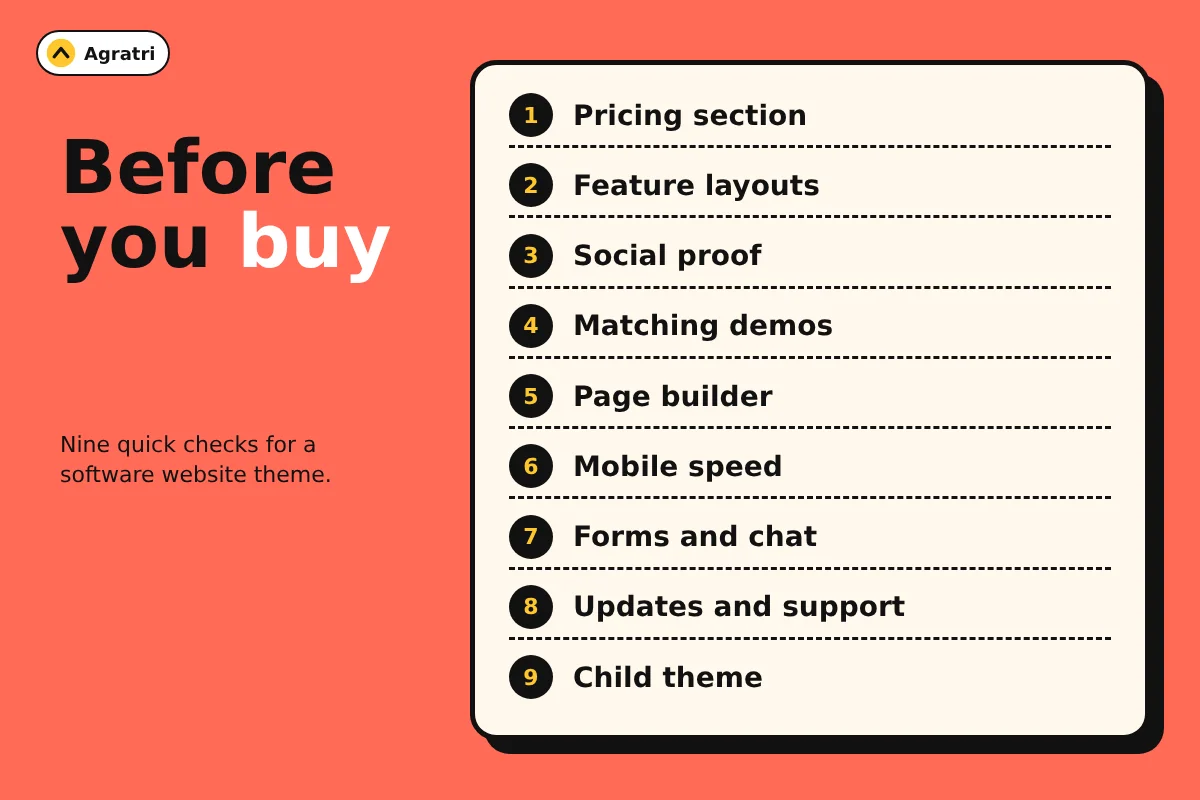
9 checks before you buy a SaaS WordPress theme
Run these checks in order on every SaaS WordPress theme you shortlist. Each one takes a few minutes, and together they can save you from a costly redesign later.
1. A pricing section built for plans
Pricing is where many visitors decide. Look for a pricing widget that shows several plans side by side and lists features under each one. Highlighting one plan is a useful extra. Also check that the pricing table still reads well on a small screen.
2. Feature layouts that explain benefits
Your features page should explain why each feature matters, not just name it. Check for icon boxes, tabs, accordions and image-and-text rows. These let you pair every feature with a short benefit and a screenshot. As a result, visitors understand the value in seconds.
3. Social proof blocks
Trust sells software. Look for testimonial sliders, counters, logo rows and team sections. However, only add real quotes and real numbers. Placeholder text from the demo should never go live.
4. Demos that match your product type
One generic demo is not enough. An AI app, a fintech tool and a B2B platform need different layouts. Open every demo and ask one question: could I swap in my product with small edits? If yes, that SaaS WordPress theme fits. If you must rebuild each section, keep looking.
5. A page builder your team knows
Drag-and-drop editing lets your marketing team change pages without a developer. For example, an Elementor-based theme gives you visual editing and a large community. Also check that you can edit the header and footer visually, because those parts appear on every page.
6. Speed on mobile
Test the demo of each SaaS WordPress theme, not the sales page. Run it through Google PageSpeed Insights on mobile. Then look at how many scripts and fonts load. Sliders, particle effects and video backgrounds look great, but they cost load time. Use them sparingly, and switch off what you do not need.
7. Forms, email and chat support
A software site collects leads, so the theme must work with your tools. Check your form plugin, your email marketing tool and your chat widget. Common choices include Contact Form 7, Mailchimp and live chat. The product page usually lists what the author tested.
8. Updates, support and documentation
A theme is software, so it needs care. Read the changelog and see how often it changes. Frequent updates show active work. Next, check what support is included and whether the documentation covers setup and customization. If you also want to confirm a seller is trustworthy, read our guide on how to check if a WordPress theme is safe.
9. Easy changes without code
You will want to change colors, fonts and layouts. Look for theme options that control them in one place. Also look for a child theme in the package, because it protects your custom code when the parent theme updates. If you need deeper changes, compare theme customization vs a custom theme before you spend money.
SaaS pages your theme should cover
A good SaaS WordPress theme gives you ready layouts for the pages below. If several are missing, you will spend extra time and budget building them yourself.
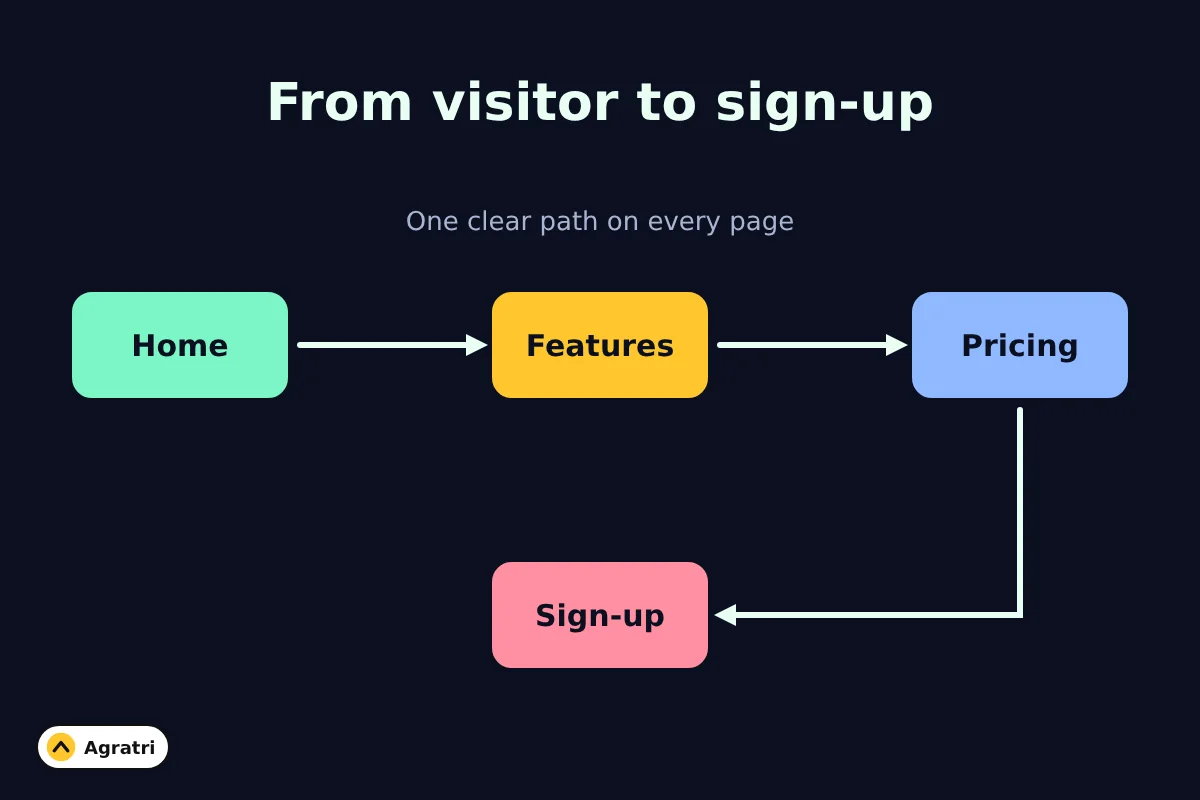
- Home: a clear promise, a call to action and proof.
- Features: benefits first, then details and visuals.
- Pricing: plans, what each includes, and a short FAQ.
- About: who you are and why you built the product.
- Contact or demo request: a short form and a clear next step.
- Blog or resources: helpful posts that bring in search traffic.
- Changelog: a simple place to show product updates.
Common mistakes when choosing a theme
Many founders pick a theme by its homepage alone. That is the most common mistake. A homepage is only one page, and it is the easiest one to make look good.
Another mistake is buying the SaaS WordPress theme with the most demos. More demos do not mean a better fit. Instead, pick the one that matches your product and your sales flow.
Finally, many teams skip the mobile test. Most visitors judge a site in the first few seconds, so a slow phone experience costs you sign-ups. Test early, and fix problems before you add content.
How to test a theme before you commit
Do not judge a SaaS WordPress theme by its demo alone. Follow these steps on a staging site.
- Import the demo that is closest to your product.
- Replace the headline, logo and colors with your own.
- Build a pricing page with your real plans.
- Add a contact form and send yourself a test message.
- Open the site on a phone and tap every menu item.
- Run a mobile speed test and write down the result.
If any step feels painful, that pain will grow after launch. So it is better to find out now.
Where BrightHub fits
If you want a ready option, look at BrightHub, a SaaS and tech startup theme in our store. According to its product page, it runs on the Elementor page builder. It lists 24+ pre-built websites, split into 12 multipage and 12 onepage versions, plus 25+ inner pages and 50+ Elementor elements.
The demos cover several software types, such as AI video, SEO audit, B2B studio, chatbot and fintech. The element list includes pricing, testimonials, accordion, counter and tabs. The page also lists Contact Form 7, Mailchimp, WPML and WooCommerce support, a child theme, one-click demo installation and full documentation. Free lifetime updates, technical support and instant download come with it.
Is it the right SaaS WordPress theme for you? Run the nine checks above on its demos and decide. The checklist works for any theme, ours included.
When a theme is not enough
Some projects need more than a theme. You might need a custom feature, a unique design or a faster build. In that case, our Performance Optimization service focuses on load times and Core Web Vitals. You can also compare the customization paths in the guide linked in check nine.
Frequently asked questions
What makes a theme suitable for a SaaS website?
It needs pricing tables, feature layouts, testimonial blocks, clear calls to action and fast loading. It should also work with your form, email and chat tools.
Can I build a SaaS marketing site on WordPress?
Yes. WordPress works well for a marketing site, especially when you plan to publish blog content. Keep the product app itself separate from your marketing pages.
Do I need a page builder for a SaaS WordPress theme?
You do not need one, but it helps. A visual builder lets non-developers edit pages, test new headlines and launch campaign pages quickly.
How many demos should a SaaS theme include?
The number matters less than the fit. One demo that matches your product type beats twenty that do not. Check that it has the sections you need, such as pricing and features.
Is a premium theme better than a free one for SaaS?
Not always. A free theme can work for a simple site. A premium theme often adds more demos, widgets and support, so compare what you need with what each option includes.
Your next step
Pick the SaaS WordPress theme demo closest to your product and test it on staging. Start with the pricing page, because it shows quickly whether a theme fits. Ready to look? Open BrightHub, or contact us if you want help setting up your site.