The right auto repair WordPress theme helps a driver find your services, trust your shop and book a visit in under a minute. Most people reach your site on a phone. Often a warning light is already on. So the theme must be fast, clear and easy to tap.
This guide gives you eight checks to run before you buy an auto repair WordPress theme. It also lists the pages your shop needs and a simple way to test a theme. First, let’s look at what the theme has to do.
What an auto repair WordPress theme must do
A repair shop website has one main job. It turns a worried visitor into a phone call or a booking. A general business theme can look nice, but it often hides what drivers want most. A good auto repair WordPress theme puts that information up front.
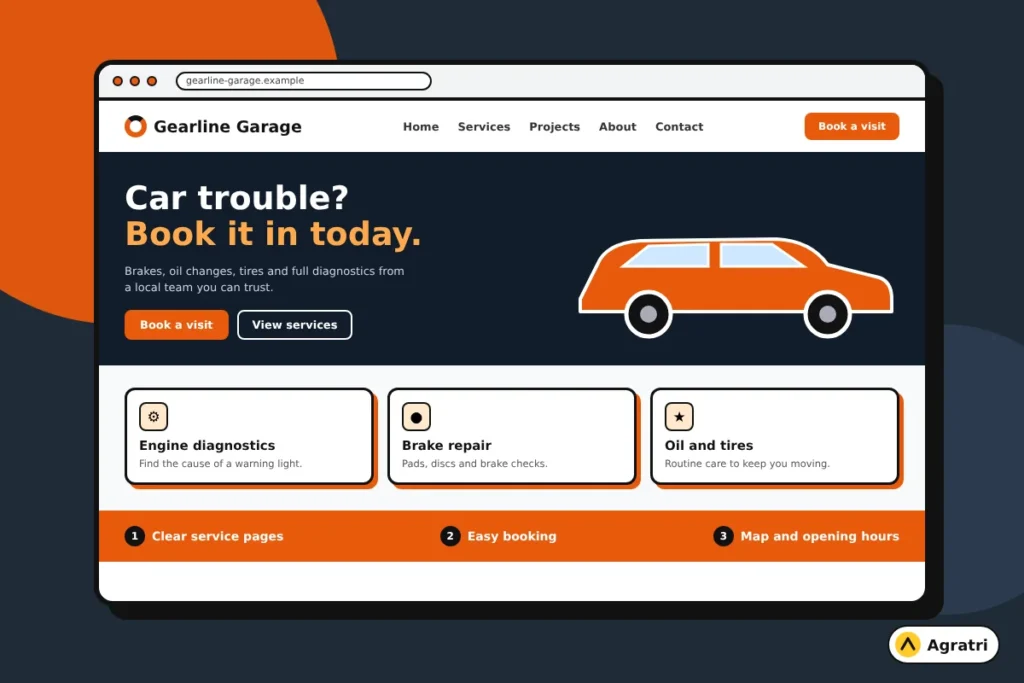
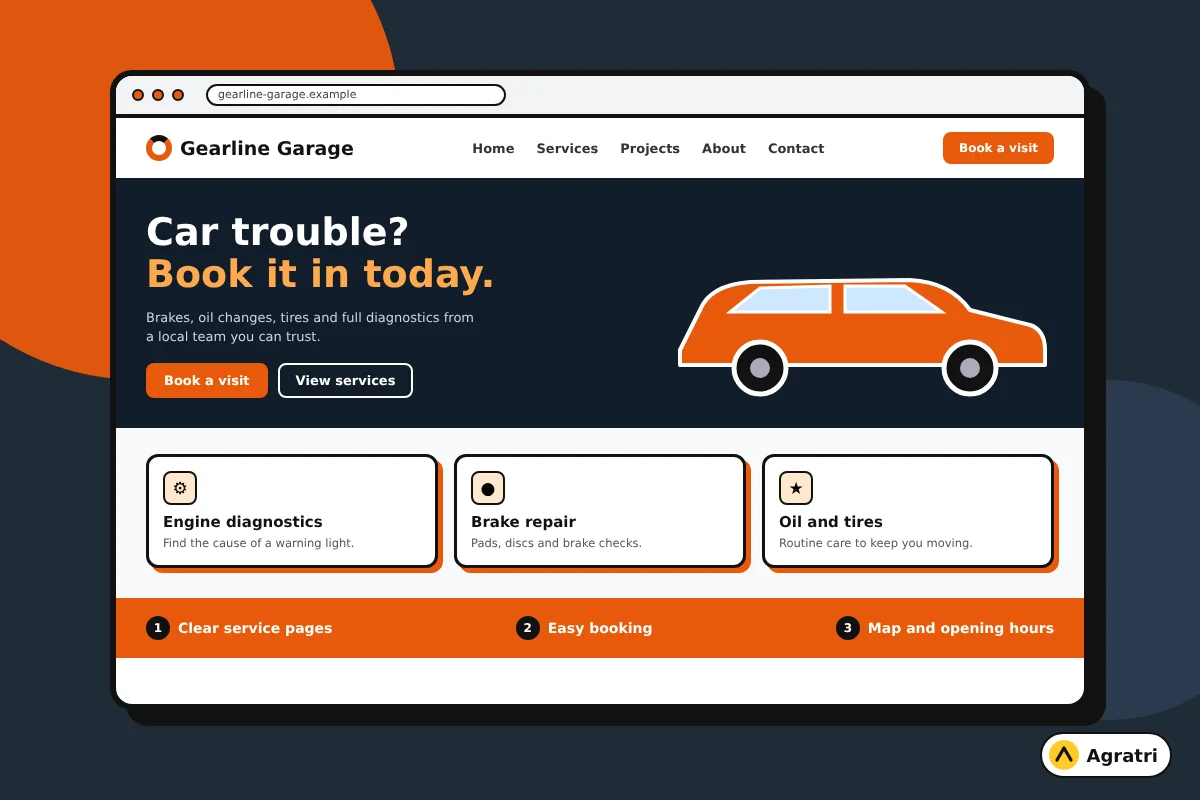
Drivers usually want three answers. What do you repair? Where are you? How can I book? Therefore the theme needs a clear service list, a map, opening hours and a call button. It also needs room for reviews and a short booking form.
Speed matters as well. Google recommends good Core Web Vitals for a strong search experience, and you can read the details in Google’s Core Web Vitals documentation. A heavy theme makes those targets harder to reach, especially on mobile data.
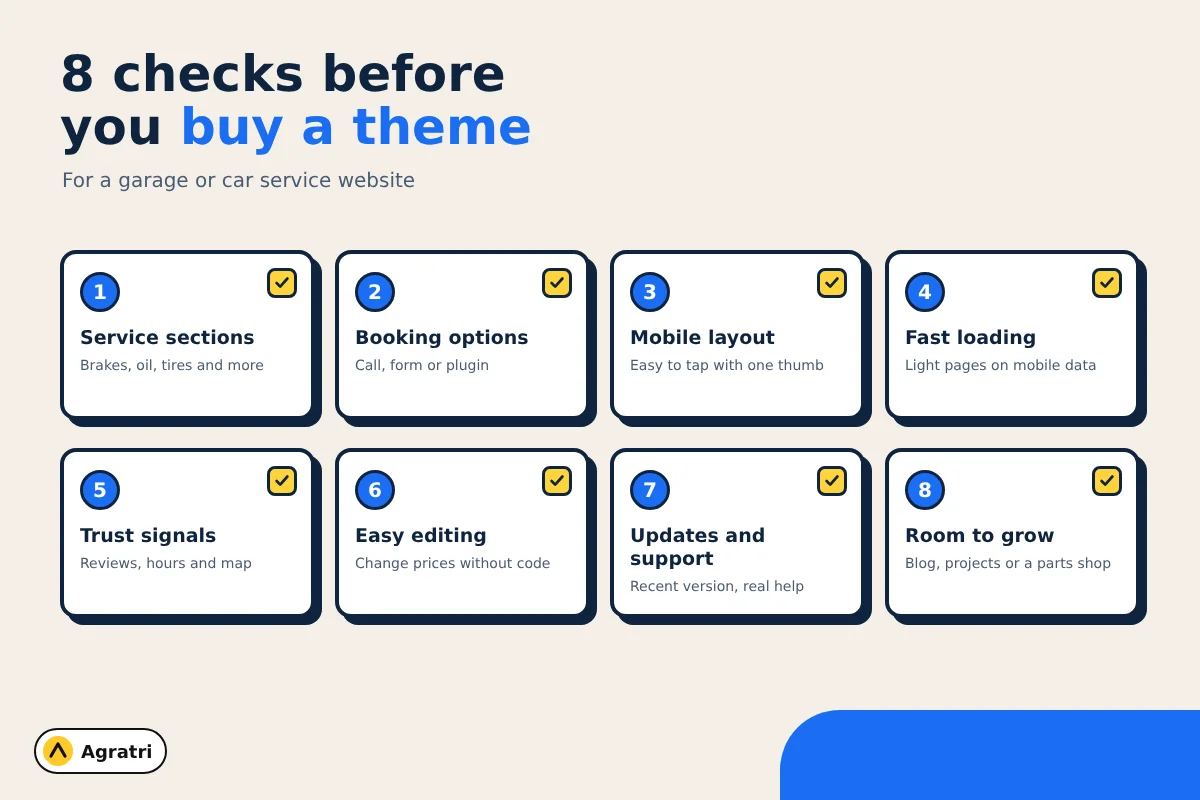
8 checks before you buy an auto repair WordPress theme
Run these checks in order on every theme you shortlist. Each one takes a few minutes. Together, they can save you from a costly redesign later.
1. Clear service sections
A repair shop rarely offers just one service. Look for layouts that list brakes, oil changes, tires, diagnostics and more in a tidy grid. Next, check that each service can link to its own page. Separate pages help drivers find the exact repair, and they give search engines more to read.
2. Booking and contact options
Drivers want to act fast. Check for a visible phone number, a contact form and a booking option on every page. Also confirm that the theme works with a booking plugin you like. If a demo has no booking section at all, you will need extra work to add one.
3. A mobile layout that works with one thumb
Open the live demo on your own phone. Tap the menu, the call button and the form fields. Buttons should be large, and text should be easy to read without zooming. A theme that looks great on a desktop but fails on a phone will lose most of your visitors.
4. Fast loading on mobile data
Run the demo through Google’s PageSpeed Insights. Then look at the page itself. Huge sliders, many animations and heavy fonts slow a site down. A fast auto repair WordPress theme still looks sharp, yet it keeps extras under control.
5. Local trust signals
People pick a shop they trust. So look for a theme with spots to show reviews, certifications, team photos, opening hours and a map. In addition, check that your address and phone number can appear in the header or footer of every page. These small details help a nervous visitor feel safe.
6. Easy editing for non-developers
You will change prices, hours and offers often. Therefore you need an auto repair WordPress theme that lets you edit text and images without code. Check which page builder the theme uses. Then read the documentation to see if the steps look simple. Good guides save hours.
7. Recent updates and real support
An old theme can break after a WordPress update. Look at the last update date and the supported WordPress version. Also find out who answers questions after you buy. Our guide on how to check if a WordPress theme is safe shows what else to look for in a seller.
8. Room to grow
Your shop may add a parts store, a blog or a project gallery next year. Choose an auto repair WordPress theme that can handle that growth. For example, WooCommerce support helps if you plan to sell parts online. A blog layout helps if you want to answer common repair questions.
Pages your auto repair website needs
An auto repair WordPress theme is only a starting point. Your content decides whether visitors call. Most repair shops need these pages:
- Home: your top services, hours, a phone number and a booking button.
- Services: an overview page that links to each repair or maintenance service.
- Service detail pages: one page per major service, such as brake repair or air conditioning.
- About: your story, your team and any certifications you hold.
- Reviews or projects: proof that you do good work.
- Contact: address, map, phone, hours and a short form.
- Blog or FAQ: short answers to common driver questions.
Your auto repair WordPress theme can only do so much alone. Next, tell Google about your shop. Local business structured data shares your address, hours and phone number in a format search engines understand. You can learn how it works in Google’s local business structured data guide. Many people do this with an SEO plugin.
How to test a theme before you commit
A short test run will show problems early. Use it on any auto repair WordPress theme you like. Follow these steps for each theme on your list.
- Open the live preview on your phone and tap through every page.
- Check that the phone number, map and booking button are easy to find.
- Run the demo through PageSpeed Insights and note the mobile result.
- Read the documentation and the update history.
- Import the demo on a test copy of your site, not on your live site.
- Replace the demo text with your real services and prices.
The last step matters most. A demo is full of perfect photos and short headlines. Your real content is longer, so see how the layout copes. If you want help with that stage, read our post on theme customization vs custom theme. It explains when a small change is enough and when you need more.
Where Autoser fits
If you run a garage, mechanic workshop or car service business, the Autoser car service theme is worth a look. Its product page says it is made for auto mechanics, car repair services and mechanic workshops. It is also a good example for the checks above.
Here is what the page lists. Autoser has four homepage layouts, a one-click demo import and a responsive layout. The theme runs on the WPBakery Page Builder and Revolution Slider. It includes a Google map, single project layouts, translation files and child theme support. It also works with Contact Form 7, WooCommerce and the Booked appointment plugin.
Be aware of two points. First, this auto repair WordPress theme uses WPBakery, not Elementor or the block editor. If you prefer another builder, factor that in. Second, the latest version listed is 1.1.1 from March 2024, with WordPress 6.x support. Check the changelog and decide if that suits you. Every Agratri product also comes with free lifetime updates, technical support, unlimited domain use and instant download, as stated on the product pages.
Service shops often share needs with other local businesses. For a similar buying guide, see our post on a WordPress theme for an IT services company.
Frequently asked questions
Which is the best auto repair WordPress theme?
No single theme is best for every shop. The best choice is the one that passes the eight checks above for your services, your budget and your page builder preference. Shortlist two or three themes and test each demo on a phone.
Do I need a booking plugin?
Not always, but it helps. A booking plugin lets drivers pick a time without calling. If your shop is small and prefers phone calls, a clear call button and a contact form may be enough to start.
How many pages does an auto repair website need?
Most shops can start with six to eight pages. Include Home, Services, About, Reviews, Contact and a few service detail pages. Add a blog or FAQ later as you grow.
Can changing my WordPress theme break my website?
Yes, it can change your layout, menus and widgets. So make a full backup first. Then test the new theme on a staging copy and fix any problems before you switch the live site.
Can I use a general business theme for a repair shop?
You can, but it may need more work. A general theme often lacks service grids, booking sections and project layouts. An auto repair WordPress theme made for car service gives you a better starting point.
Next step
Pick your shortlist of auto repair WordPress theme options, run the eight checks and test each demo on a phone. If Autoser looks right, you can view it on the Autoser product page. If you want a hand with setup or changes, contact the Agratri team and tell us about your shop.