A recruitment WordPress theme should help two groups at once. Job seekers want a role, and employers want to hire. It needs clear job listings, a short application path and pages that build trust. This guide gives you eight checks to run before you buy.
You will also see who needs this kind of theme, which mistakes to avoid and how to test a demo. Along the way, we use one real example from our shop.
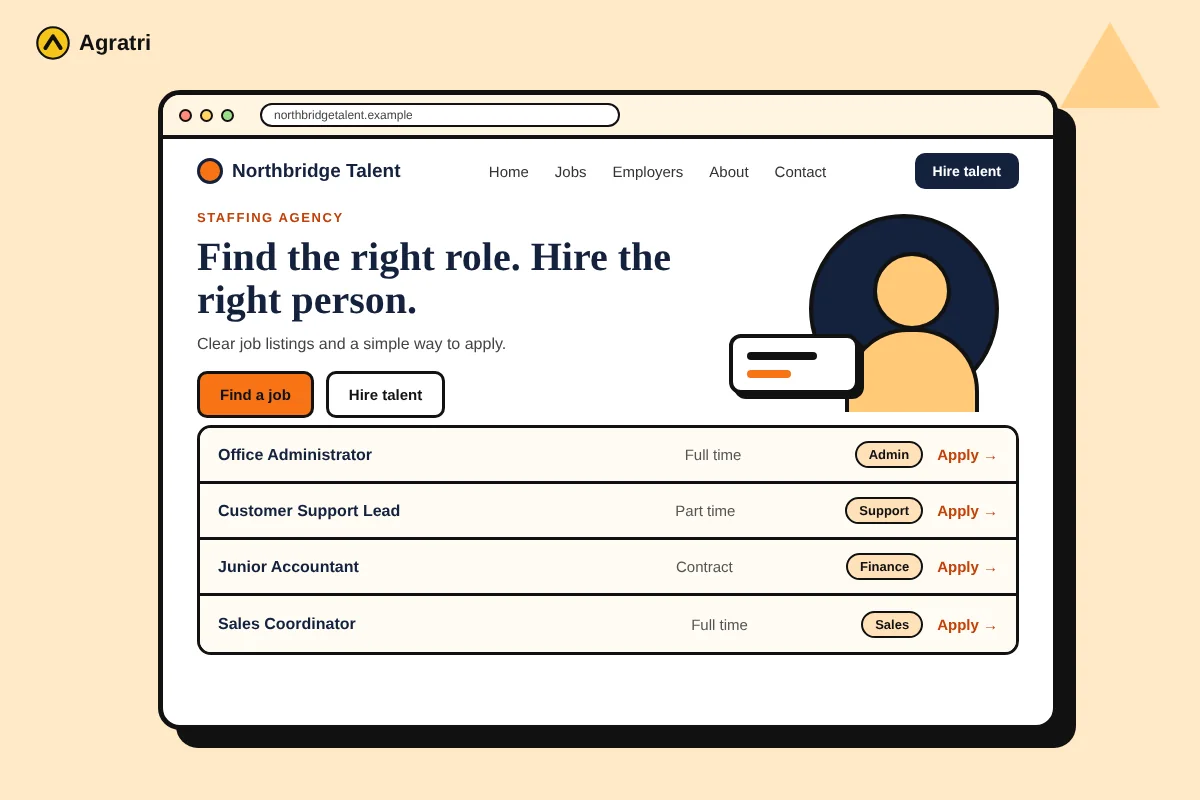
What Should a Recruitment WordPress Theme Do?
A recruitment agency sells trust and speed. Candidates want to find a role fast, and employers want to see that you know their field. So your website must serve both groups without confusing either one.
A good recruitment WordPress theme gives you the layouts for that job. It has a home page that explains what you do. It also has pages for services, jobs, about, and contact. As a result, you spend your time on content instead of design.
Not every theme fits. A general business theme can look fine and still miss the pieces a staffing site needs. For that reason, the checks below focus on how real visitors use a recruitment site.
Who Needs a Recruitment WordPress Theme?
This type of theme suits several kinds of businesses:
- Staffing agencies that place temporary or permanent staff.
- HR consultants who advise companies on hiring.
- Headhunters who work in one industry.
- Job course and training companies that help people find work.
If you only post a few roles a year, a simple page may be enough. However, once you list jobs often, a recruitment WordPress theme saves time. It gives you the right layouts for both candidates and employers.
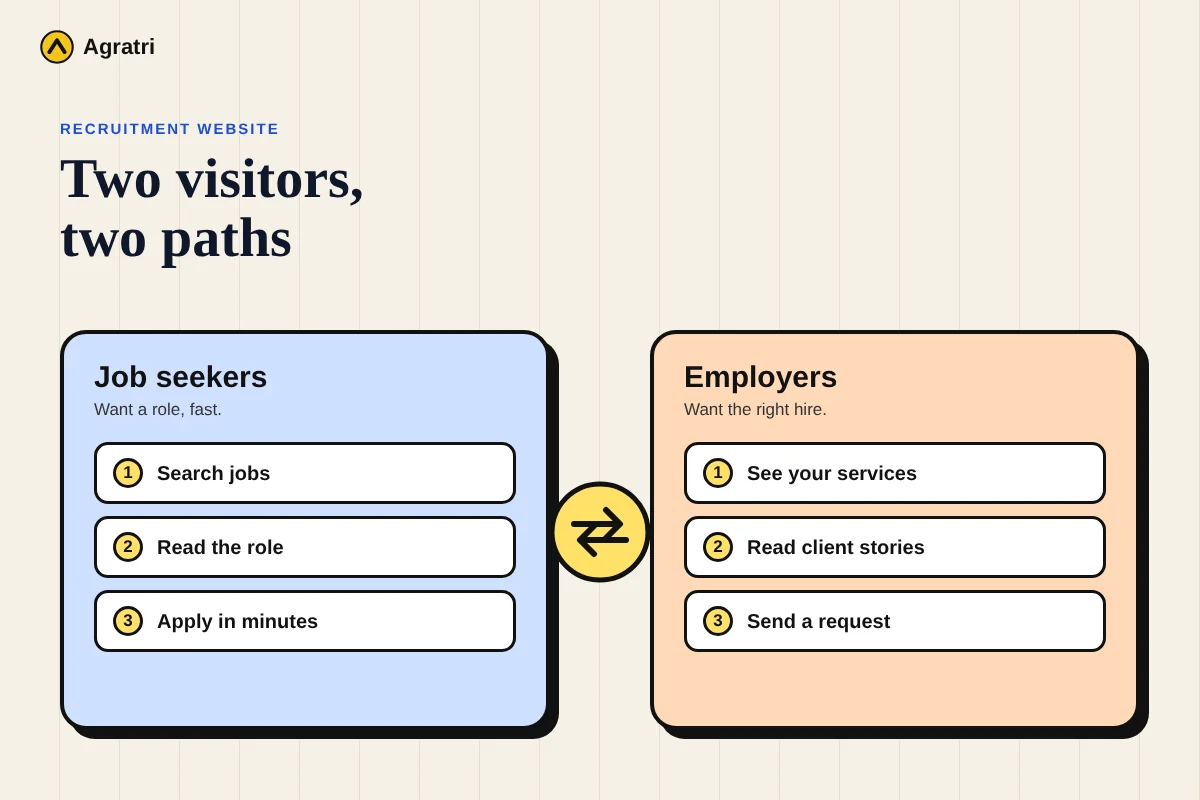
8 Checks Before You Buy a Recruitment WordPress Theme
Use these checks in order. Each one covers a step in the journey of a candidate or an employer. Open a demo of every recruitment WordPress theme on your shortlist, and then work through the list.
1. Look for clear job listings
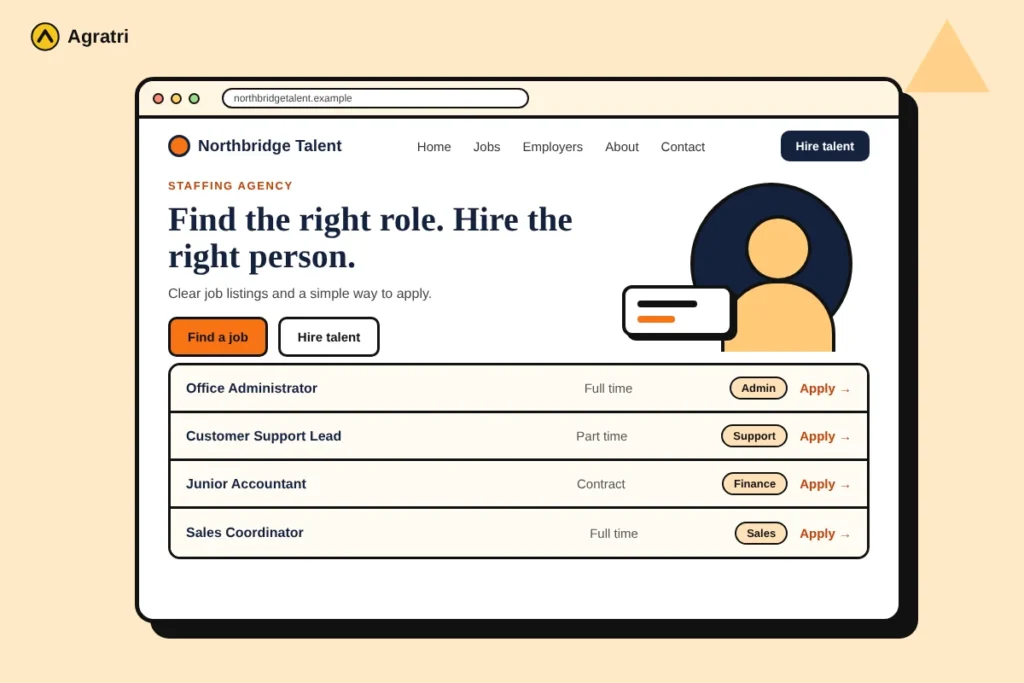
Job listings are the heart of your site. Candidates should see the title, place and type of work at a glance, and filters help them narrow a long list. Also check how the theme handles jobs, because some rely on a separate plugin. Ask what it covers and what it does not.
2. Keep the application path short
Long forms make good candidates leave. Open the demo and count the steps from a job to a sent application. A short path works best, so look for a simple form with a CV upload. Contact Form 7 support is a plus, because you can build and edit forms yourself.
3. Give candidates and employers their own paths
A recruitment WordPress theme serves two visitors who want different things. A candidate wants jobs and advice. An employer wants proof that you can find the right people. Check that the theme makes both paths easy to see on the home page. For example, two clear buttons such as “Find a job” and “Hire talent” can do this well.
4. Add sections that build trust
People share personal details with a recruiter, so trust matters. Look for places to show your team, your process and real client words. Use true stories only. In addition, a short “how it works” section can calm nervous candidates and busy employers alike.
5. Match the theme to your page builder
Choose a recruitment WordPress theme that works with the builder you know. Elementor is a common choice. If you can edit pages yourself, you can change a job page without waiting for a developer. Also look for a child theme, so you can change styles safely.
6. Test speed and mobile layout
Many candidates search for work on their phones. Open the demo on yours. Check that the menu opens, the job list reads well and the apply button is easy to tap. Then run a speed test, because a recruitment WordPress theme that loads slowly loses visitors.
7. Think about language and contact options
Some agencies serve people who speak more than one language. If that is you, check for translation support, such as WPML compatibility. Also make sure the contact page is easy to find, with a form that works.
8. Review updates and support
A theme needs regular updates to stay compatible with WordPress. Read the change log and the documentation. Then look at the support options on the product page. For a longer routine, read how to check if a WordPress theme is safe.
Common Mistakes When You Pick a Recruitment Theme
Many agencies make the same errors. Avoiding them can save weeks of rework.
- Choosing by looks alone. A pretty home page does not help if the job list is hard to use.
- Ignoring mobile. Many candidates browse on phones, so test there first.
- Skipping the apply test. Try to apply for a demo job before you buy.
- Using vague words. Clear job titles and plain text help people decide faster.
In short, test the whole journey, not only the first page.
A Real Example: Hiring Hub for Staffing Agencies
Our shop offers Hiring Hub, an Elementor-based theme for HR and recruitment companies. Its product page says it also fits consulting firms, accountants, job course companies, headhunting firms and job seeker sites.
The page lists five home page layouts, demo content, one-click installation and a simple job board plugin. It also lists Contact Form 7 support, WPML compatibility, a child theme and documentation. Read the full feature list on the product page, because it shows exactly what you get. If you need a tool that tracks applicants, check that separately, since the page does not list one.
Before You Launch Your Recruitment Site
A recruitment site handles personal details, so test everything first. Follow these steps with your new recruitment WordPress theme:
- Install the theme on a staging copy of your site.
- Import the demo content and replace it with your own text.
- Add a few real job listings and test the filters.
- Send a test application from a phone and from a desktop.
- Back up your site, then go live.
Job pages can also earn extra search visibility. Google explains how to add job posting structured data so listings can appear in its job search results. If you want colors, sections or features changed, see our theme customization service.
Frequently Asked Questions
What is the best recruitment WordPress theme?
No single theme is best for every agency. Pick one with clear job listings, a short application path and strong trust sections. Then test the demo on your phone before you buy.
Do I need a job board plugin?
If you post jobs often, yes, you need some way to manage listings. Some themes include a simple plugin, while others expect you to add one. Check what the theme includes and what it leaves out.
Can I use Elementor for a recruitment website?
Yes, many themes are built for it. Hiring Hub is Elementor-based, according to its product page. In any case, choose the builder your team already knows.
What pages does a recruitment website need?
Most agencies need Home, Services, Jobs, About and Contact. A blog and a page for client stories also help. Start with these and add more as you grow.
Can I change a recruitment theme later?
Yes. A child theme lets you change styles without editing the parent theme. For bigger changes, you can ask us for help on our contact page.
Choose a Recruitment WordPress Theme With Confidence
A good recruitment WordPress theme makes it easy for candidates to apply and for employers to trust you. Run the eight checks, test the demo on a phone and try a test application. Then pick the theme that fits your agency.
Ready to compare? Look at the Hiring Hub staffing theme, or read our guide to the best WordPress theme for a business website. You can also tell us what you are building on our contact page. We will point you to a fitting theme or service.