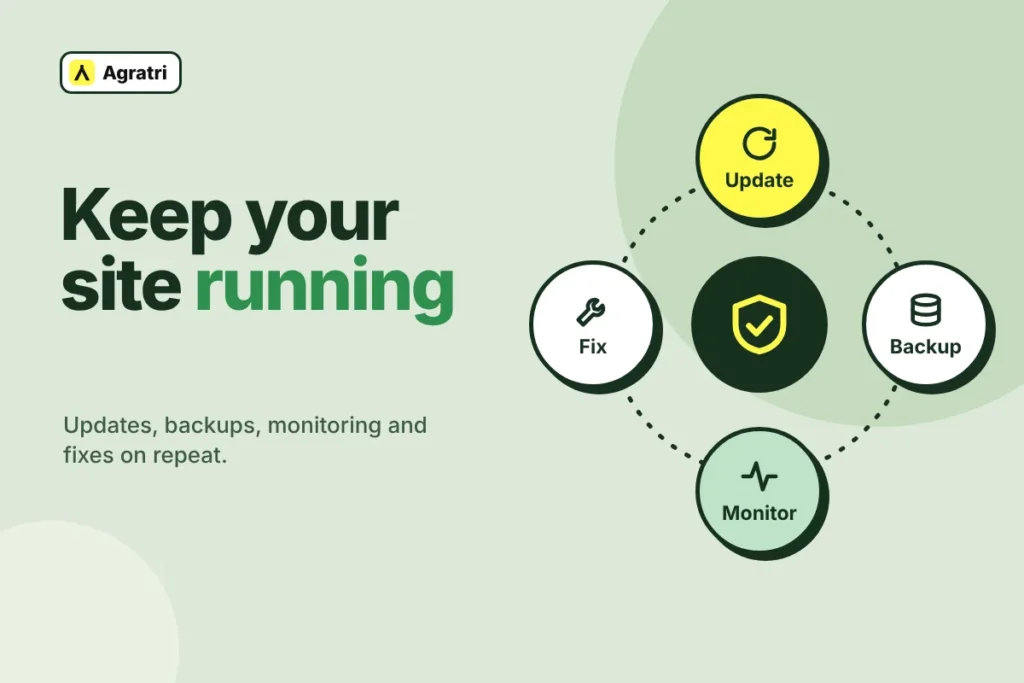
A WordPress maintenance plan is a regular service that keeps your site updated, backed up, monitored and fixed. Without one, a single bad update or a missing backup can cost you days of work. This guide shows what a good WordPress maintenance plan includes and which nine checks to run before you sign.
Most site owners start looking for help after something breaks. A form stops sending, a plugin update crashes a page, or the site goes down on launch day. A plan exists to prevent those problems. It also gives you a clear contact when prevention fails.
Below, you will find a short list of what to expect, a simple way to decide if you need one, and the questions that separate a solid offer from a vague one.
What a WordPress maintenance plan should include
Names differ from one provider to the next. Some call it a care plan, and others call it a support plan. What matters is the work done each month. A good WordPress maintenance plan covers these tasks:
- Updates: WordPress core, your theme and every plugin.
- Backups: scheduled copies of your files and your database.
- Security: regular checks and basic hardening of the site.
- Monitoring: alerts for downtime and for errors.
- Fixes: repairs for bugs that appear after an update.
- Small changes: minor content and design edits.
- Performance checks: a regular look at load time.
- Support: a named way to ask for help, with a stated reply time.
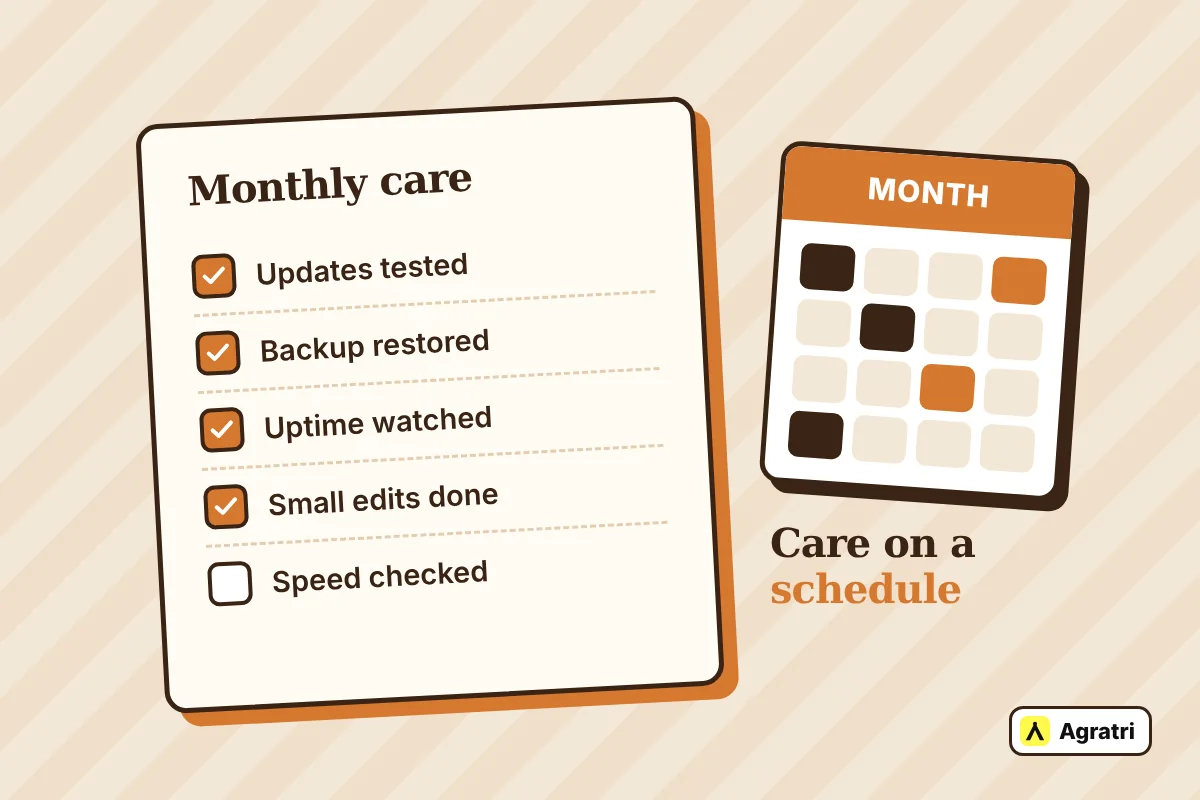
If a plan lists only updates, you are buying a button click. Real care also needs backups you can restore and a person who answers.
Do you need a WordPress maintenance plan or can you do it yourself?
Not every site needs a paid WordPress maintenance plan. Your answer depends on how much the site earns and how comfortable you feel with updates.
When doing it yourself works
A small personal blog can live with monthly updates. You can set up backups with a plugin and keep a copy away from the server. Also, if your host already runs daily backups and tests updates, you may need less. Check what the host does before you pay twice.
When a plan pays for itself
A business site is different. If the site brings in leads or sales, an hour of downtime costs money. Likewise, a store, a booking form or a client portal can break in ways that a basic update tool will not catch. In these cases, a WordPress maintenance plan saves time and removes the guesswork. It also suits agencies that want a steady partner for client sites.
Nine checks before you sign a WordPress maintenance plan
Use these checks as a filter. Ask each provider the same questions, then compare the answers side by side.
1. Who tests updates, and how?
Updates close security holes, but they can also break a layout or a plugin. Ask if the provider tests each change before it goes live. A good answer names the steps. A weak answer says that everything updates automatically.
2. How often do backups run?
The right schedule depends on how often your site changes. The WordPress handbook suggests weekly copies for smaller sites and daily copies for busy ones. Ask for the schedule in writing. Also ask if a backup runs before every update.
3. Can they restore your site?
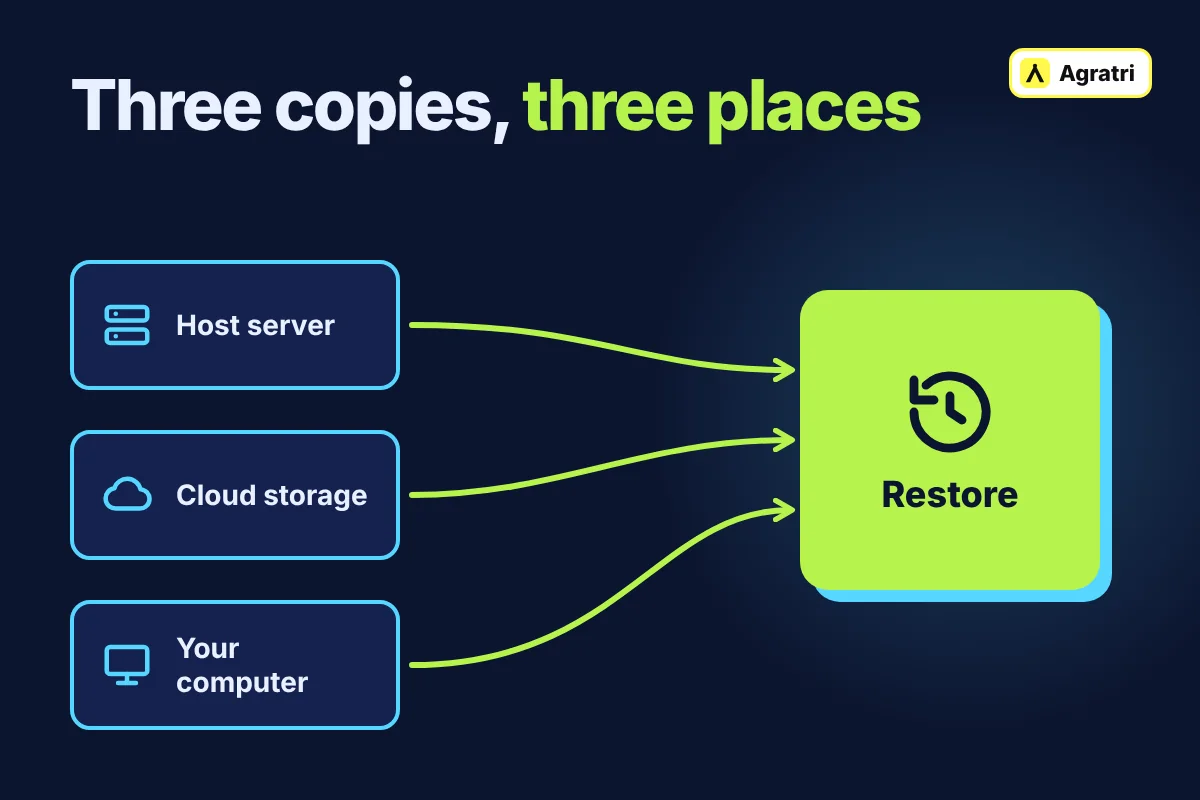
A backup you never tested is only a hope. Ask how long a restore takes and who does it. Then ask where the copies live. The official WordPress backup guide explains that you need both files and the database to restore a site. It also advises keeping several copies in different places.
4. What is the reply time?
Ask for the promised reply time and what counts as urgent. A reply within one business day is a clear promise. “As soon as possible” is not. Also ask what happens if the site goes down at night.
5. What does monitoring cover?
Good monitoring watches uptime and errors. It also tells someone when a page fails. You should hear about a problem from your provider first, not from a customer. Ask who gets the alert and how fast they act.
6. How does the plan handle security?
Security is more than one plugin. Ask which tasks the provider does, such as hardening, removing unused plugins and deleting old admin users. Next, ask what happens if the site is hacked. Some plans include cleanup, while others bill it separately.
7. What counts as a small change?
Most plans include minor edits, such as changing text, swapping an image or adjusting a section. Ask for examples and any monthly limit. Bigger jobs, such as new page designs or new features, usually become project work. To see where that line sits, read our comparison of theme customization and a custom theme.
8. Is the price fixed and the scope written down?
Ask for the scope in writing. A fixed price is easier to plan than an hourly meter. Also check the cancellation terms. Long contracts make sense only if the service is clearly strong.
9. Who does the work?
Find out if you talk to the people who handle your site. A direct contact solves problems faster than a ticket queue. In addition, ask for a sample report so you know what you will see each month.
How much should a WordPress maintenance plan cost?
Published price guides show a wide spread. The price of a WordPress maintenance plan rises with site size, traffic, store features and reply times. A simple brochure site needs less care than a busy store, so the two should not cost the same.
Instead of chasing the lowest number, compare the scope. A cheap plan that charges extra for every fix often costs more in the end. Also ask whether hosting is included, because most plans leave it out. A fixed quote with a written scope makes budgeting easy.
If you only have one problem, ask for a one-off fix instead. You can always start a plan later.
When to start a plan
The best time to start a WordPress maintenance plan is right after a launch. The site is fresh, the settings are known, and any new problem is easy to trace. Another good time is after a host change. Our WordPress migration checklist shows what to confirm before and after a move.
The theme also matters. A well-built theme with clean code updates more smoothly, so it lowers the risk each month. If you are still choosing one, learn how to check that a WordPress theme is safe before you buy.
How Agratri handles WordPress maintenance and support
Our WordPress maintenance and support service covers core, theme and plugin updates, scheduled backups, security checks and hardening, and uptime and error monitoring. We also fix bugs, make small content and design changes, and run performance checks.
We take backups before every update and test each change before it goes live. You get one fixed price, agreed up front, for ongoing care or a one-off fix. A real person replies within one business day, and urgent site-down issues get priority.
Frequently asked questions
How often should I update WordPress?
Check for updates at least once a month. Apply security updates as soon as you can, and back up first. A WordPress maintenance plan handles this schedule for you.
Do I need a plan if my host offers backups?
Host backups help, but they are only one part of care. A WordPress maintenance plan also covers testing updates, monitoring, fixes and support. Ask your host how fast it can restore a copy.
What is usually not included in a WordPress maintenance plan?
Most plans leave out hosting, new features and full redesigns. Hacked-site cleanup may also cost extra. Always ask for the scope in writing before you pay.
Can I get a one-off fix without a plan?
Yes. Many providers quote single fixes at a fixed price. At Agratri, you can request one without committing to ongoing care.
How fast should a provider reply?
Look for a stated promise, such as a reply within one business day, plus priority handling when the site is down. Vague wording is a warning sign.
Next step: get a fixed quote
A strong WordPress maintenance plan gives you updates, backups you can restore, monitoring and a person who answers. Use the nine checks above to compare offers. If you want help, contact Agratri, describe your site, and we will send a fixed quote.