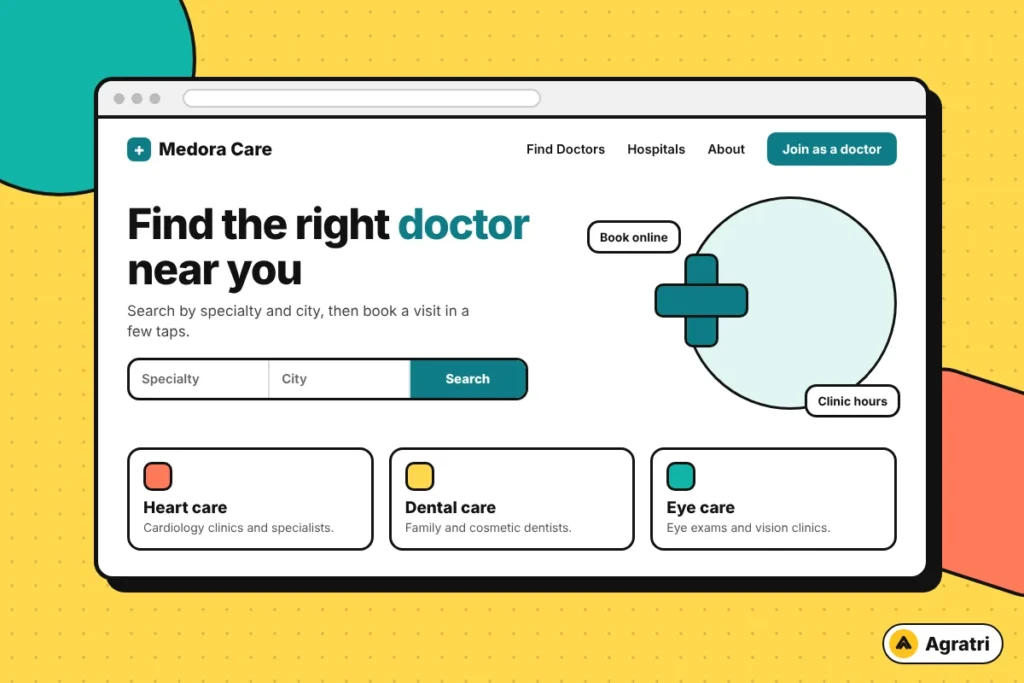
A doctor directory WordPress theme should help patients find the right doctor in a few taps. It should also help clinics and hospitals look credible and manage their bookings. Many themes promise this, but only a few handle profiles, search and appointments well.
This guide gives you eight checks to run before you buy a doctor directory WordPress theme. You will also get a simple demo test and answers to common questions. First, let’s look at what the theme has to do.
What a doctor directory WordPress theme must do
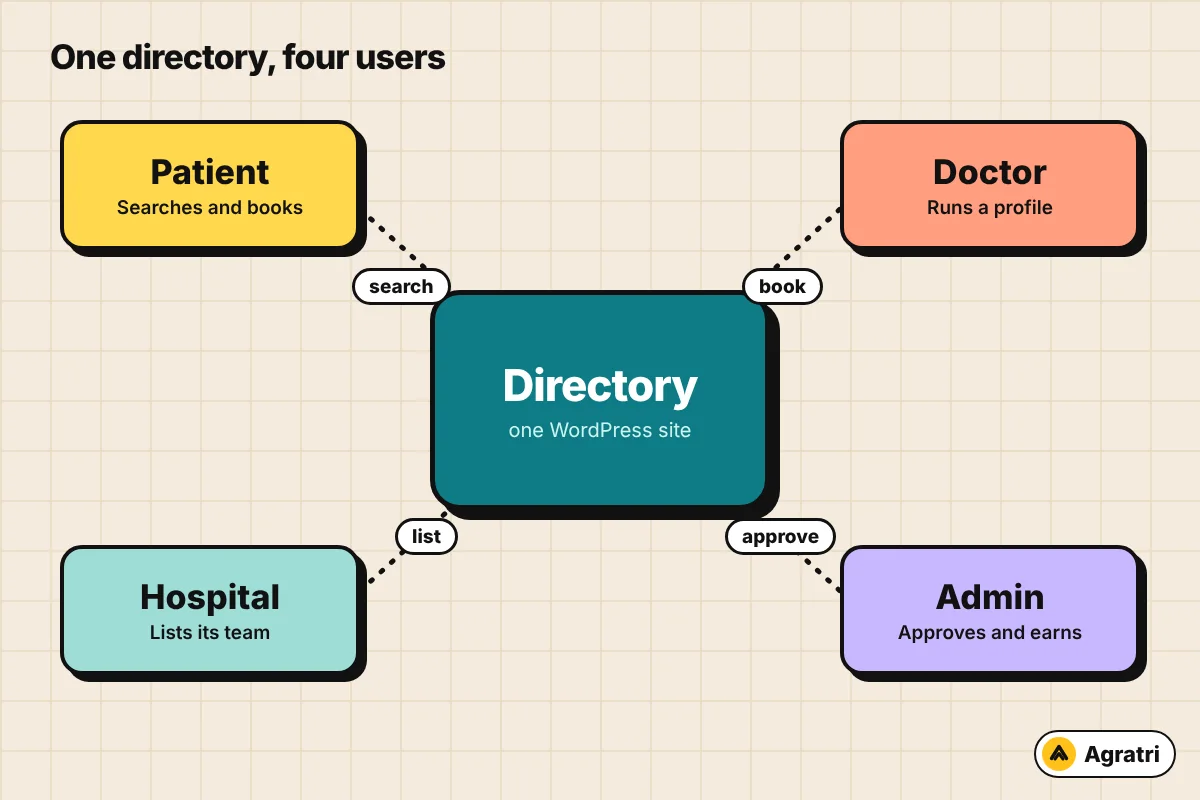
A medical directory is not a normal business site. Several groups use it at once. Patients search for care, doctors manage their profiles, and hospitals list their teams. You, as the owner, approve listings and often earn from them.
Because of this, a plain corporate theme falls short. A good doctor directory WordPress theme needs listing types, user roles and a search form with filters. It also needs a dashboard for each user type. Without these parts, you would add many plugins and fix conflicts later.
Trust matters even more here. Patients share personal details when they book. So the design should stay calm, the forms should stay short and the profile pages should stay clear. Also, the code should load fast.
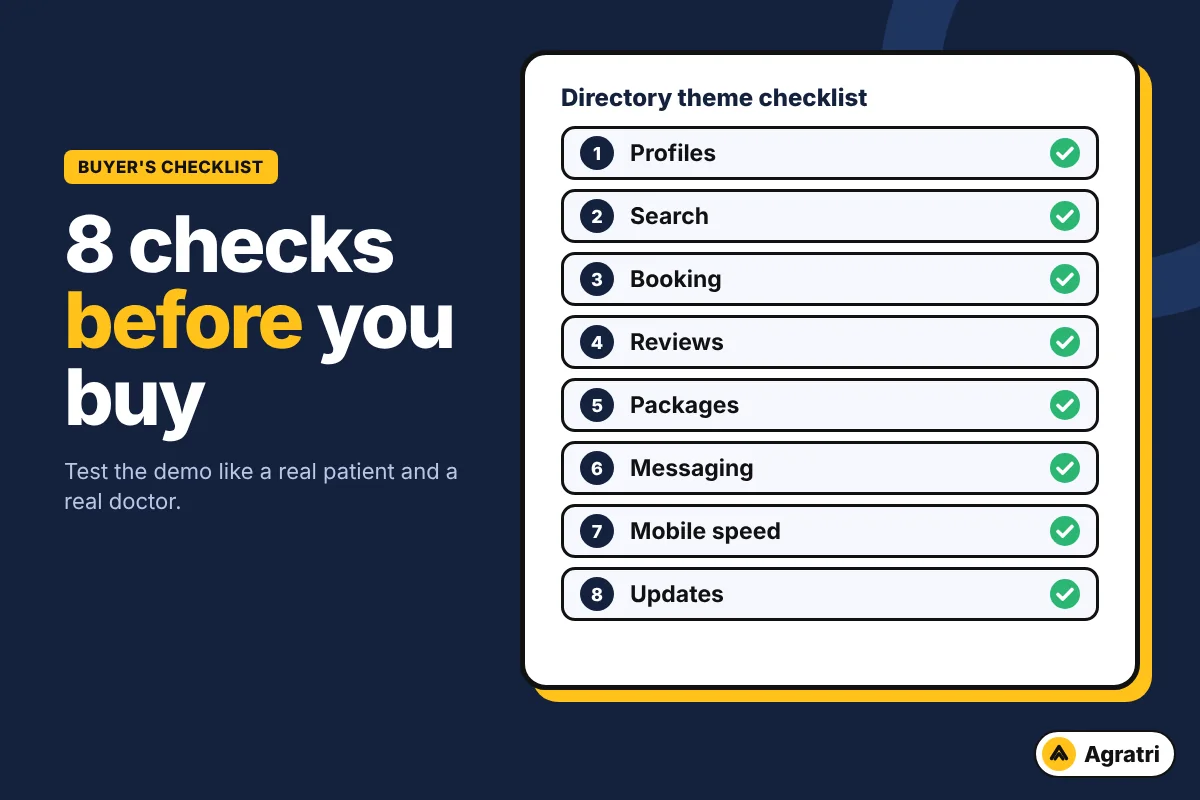
8 checks before you buy a doctor directory WordPress theme
Run these checks in order on every theme you shortlist. Each one takes a few minutes. Together, they show whether the theme fits your plan.
1. Separate profiles for doctors, hospitals and patients
Start with the user types. A good doctor directory WordPress theme supports doctors, hospitals and patients. Some also need pharmacies. Check that each type has its own sign-up form and dashboard.
Next, open a doctor profile in the demo. Look for specialties, services, education, a map and clinic hours. A thin profile page gives patients little reason to trust the listing.
2. Search that patients can use
Search is the heart of the site. Test the doctor directory WordPress theme with a real case, such as a specialty plus a city. Then add a filter and see how fast the results change.
Also check the search bar on the home page. Patients should start a search from the first screen. If the demo needs five clicks to reach a result, your visitors will leave.
3. Appointment booking with real time slots
Booking is where visitors become patients. Look for a calendar with time slots that doctors set themselves. Then check what happens after a request. Does the patient get an email, and can the doctor accept or decline it?
Ask a few practical questions too. Can a doctor add several clinic locations? Can a booking carry a consultation fee?
As admin, can you view every booking? A doctor directory WordPress theme that answers yes saves a lot of custom work.
4. Reviews you can moderate
Reviews build trust, but they also bring risk. Patients should be able to rate a doctor. You should be able to approve each review before it shows. Moderation tools protect your directory from spam and unfair posts.
Look for more than one rating area as well. A single star score says little. Several scores help patients compare doctors in a fair way.
5. Paid listing packages
Many owners earn from the directory. A common model is a free basic listing plus paid plans for featured placement. So check that your doctor directory WordPress theme supports packages and takes payments through WooCommerce.
Then look at the admin side. Can you assign a package by hand? Can you mark a doctor as featured? These small controls matter once you start selling plans.
6. Messaging between patients and doctors
Some directories let patients ask a question before they book. A private inbox helps with that. Check whether the theme has one built in or needs an add-on.
Read the product notes closely here. Some chat add-ons are sold separately. Know the full cost before you commit.
7. Mobile layout and speed
Most patients search from a phone. Open the demo on yours. Tap the menu, the search form and the booking button. Everything should be easy to reach with one thumb.
Then test the speed with a free tool such as PageSpeed Insights. Heavy sliders and many effects slow a directory down. Because patients often search in a hurry, a fast doctor directory WordPress theme wins their trust.
8. Updates, support and clean code
A directory holds user accounts, so old code is a real risk. Check when the theme was last updated, and read its change log. Regular updates show that someone maintains it.
Also confirm that a child theme is included. A child theme lets you change styles without losing your work when the parent theme updates. The WordPress developer handbook on child themes explains why. For more on vetting any theme, read our guide on how to check if a WordPress theme is safe.
A 30-minute test for any demo
Checks on paper are not enough. Try the live demo like a real visitor. Follow these steps and take notes as you go.
- Register as a doctor and fill in a full profile.
- Register as a patient and search for that doctor.
- Book an appointment and watch the emails.
- Leave a review, then approve it as admin.
- Open every page on your phone.
- Read the documentation and the change log.
If any step feels clumsy, expect your own users to feel the same way. In that case, drop that doctor directory WordPress theme and test the next one.
Where Doctreat fits
Agratri lists Doctreat, a hospitals and doctors directory theme. Its product page describes doctor and hospital listings, a search for both, appointment booking and a private inbox. It also lists multi-rating reviews with moderation, plus listing packages paid through WooCommerce.
The page also mentions a child theme, one-click demo import and translation support. In addition, it states compatibility with Dokan Lite for pharmacies. Dokan Pro is a separate purchase, so factor that in. If you want a ready-made doctor directory WordPress theme with these parts, compare it against your checklist above.
When a ready-made theme needs changes
Few themes match a brand out of the box. You may want new colors, a different home page or extra sections. In that case, you can still reshape your doctor directory WordPress theme. Our theme customization service adjusts colors, layouts and sections, and it keeps updates working.
If your idea is truly unusual, compare both paths in our post on theme customization vs custom theme. Planning a site with many sellers instead? Then see our picks of marketplace WordPress themes.
Frequently asked questions
What is a doctor directory WordPress theme?
A doctor directory WordPress theme lists doctors and hospitals. It usually includes profiles, search, reviews and booking. Some also add paid listing plans.
Is a directory the same as a clinic website?
No. A clinic website promotes one practice. A directory lists many providers, so patients can compare them. The second needs user accounts and search, which a clinic site rarely has.
Can I earn money from a medical directory?
Many owners sell paid listing plans or featured placement. Results depend on your market and traffic. So check that your theme supports packages before you plan income.
Do I need extra plugins?
It depends on the theme. Some features, such as chat or a pharmacy store, may need add-ons. Read the product page to see what comes with the doctor directory WordPress theme and what costs extra.
Who checks the doctors on my directory?
You do. A theme gives you approval tools, but you decide how to confirm credentials. Add a clear note on your site that the directory lists providers and does not give medical advice.
Next step
List your must-have features, then run the eight checks on two or three themes. A doctor directory WordPress theme that passes all eight is worth buying. If a theme almost fits, ask us what it would take to finish the job. You can contact Agratri with your plan, or open the Doctreat page to see its full feature list.