A mosque WordPress theme should make your website useful from the first visit. Visitors want prayer times, the address, upcoming events and a simple way to give. Volunteers want to update all of that without calling a developer. This guide gives you eight checks to run before you buy, so you can pick a theme your community will actually use.
First, a note on scope. We look at themes, not hosting or fundraising rules. However, every check below works for a mosque, a masjid or an Islamic center, large or small.
What a mosque website has to do
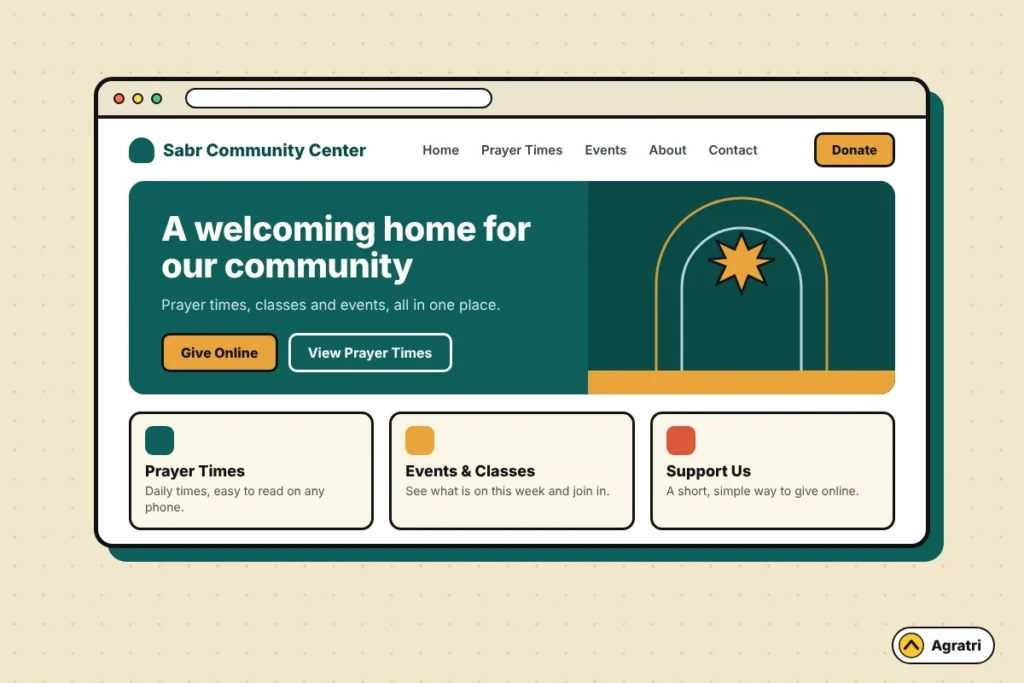
Think about who visits. Some people are regulars who check the Jumu’ah time. Others are new to town and need directions. A few are donors who live far away. Because these groups want different things, a good mosque WordPress theme serves all of them on the first screen.
Most mosque sites need these pages:
- A home page with the next prayer time, the address and a clear donate button
- A prayer times page with the monthly timetable
- An events and programs page
- A donate page
- An about page that explains who you are and who leads the community
- A contact page with a map and directions
Next, think about who edits the site. In many mosques, a volunteer does it in their spare time. So the theme must be easy to edit. If a small change needs code, it will not happen.
8 checks before you buy a mosque WordPress theme
Run these checks on the live demo of any theme. Score each one yes or no. Then count the noes. A theme with more than two is probably the wrong fit.
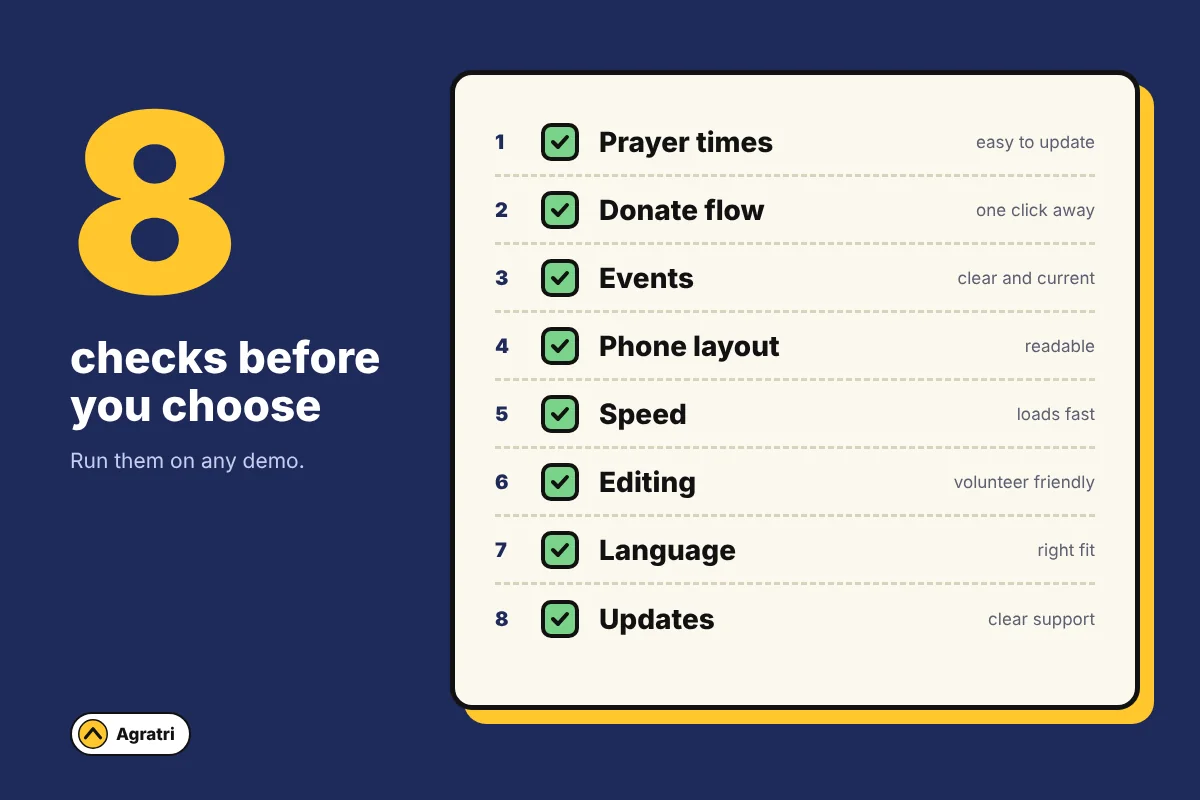
1. Prayer times are easy to show and update
Prayer times are the main reason people visit. So a mosque WordPress theme must show them well. Look at how the demo does it. Is there a clear block on the home page? Can a volunteer change the times in a few minutes?
Some themes include a prayer times feature. Others expect a plugin, such as the free Daily Prayer Time plugin on WordPress.org. Either way, ask how the times get updated each month.
2. The donate flow is short
A donor should reach the form in one click. Look for a donate button in the header. Then open the donate page and count the steps.
Many themes work with a donation plugin such as GiveWP. Make sure the theme names the plugin it supports. Also test the form on your phone before you decide.
3. Events are clear and current
Mosques run classes, youth nights and community meals. For that reason, the theme needs an events list that is easy to read. Check that each event shows its date, time and place. Also check that old events do not crowd the page.
4. The theme works well on phones
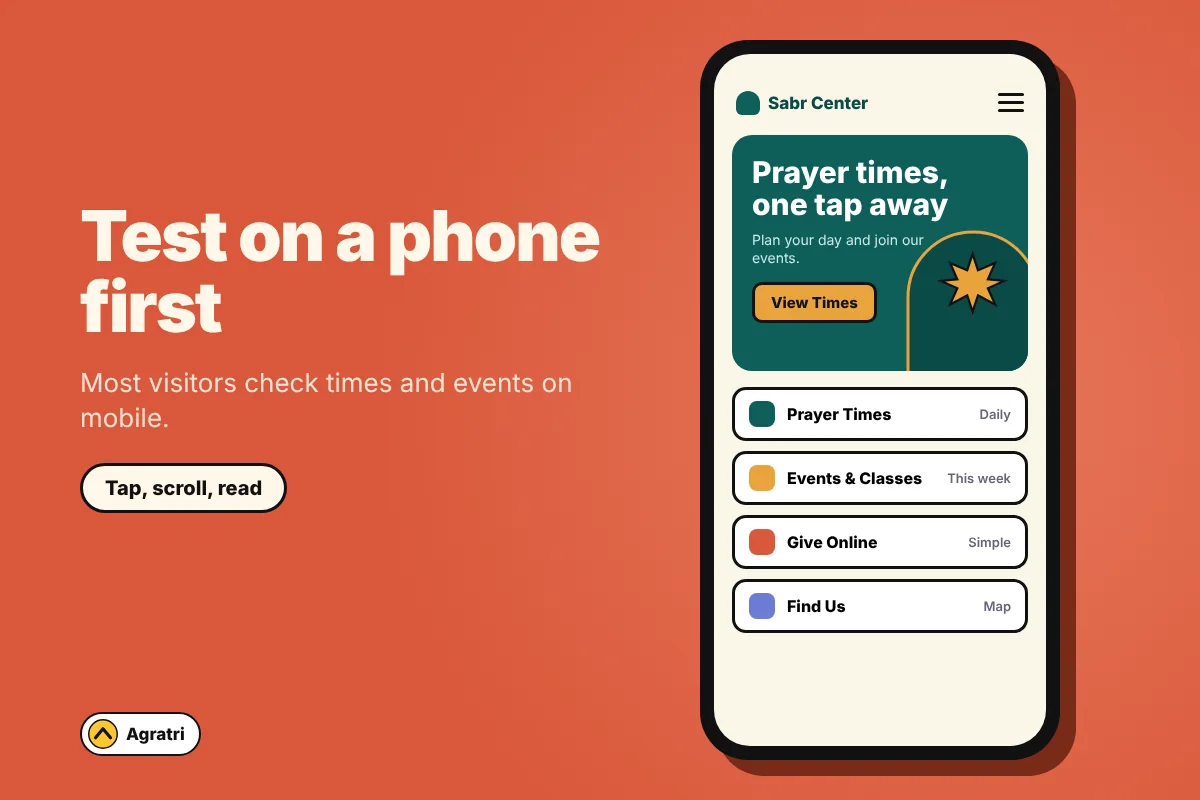
Most visitors open the site on a phone, often just before prayer. So open the mosque WordPress theme demo on your own phone. Tap the menu, scroll the home page and read the times. The text must be large enough, and the buttons must be easy to tap.
5. The pages load fast
A slow site loses people who only need one fact. Test the demo with PageSpeed Insights and note the result. Google explains the main speed signals in its guide to Core Web Vitals.
Also look at the demo itself. Huge sliders and heavy animation slow a page down. A calm design with a few clear photos usually loads faster.
6. Volunteers can edit it
Many modern themes use Elementor, a drag and drop page builder. With a builder, you move sections around instead of writing code. A mosque WordPress theme built this way suits volunteer teams well. During your demo test, change a heading and swap a photo. If that feels hard, a volunteer will struggle too.
7. Language and reading direction fit your community
Many communities read more than one language. Some need right to left text for Arabic or Urdu. Check whether the theme supports that direction. Not every theme does, so ask before you buy.
8. Updates and support are clear
Look at the date of the last update. Then read what support covers and for how long. If you are weighing a free option, our guide on choosing a free theme or a premium one lists nine checks.
It also helps to know how to check whether a WordPress theme is safe before you install it. A trusted seller and clear update notes are a good start.
Test any mosque WordPress theme demo in 30 minutes
You do not need technical skills for this test. Set a timer and follow these steps:
- Open the demo on your phone and find the prayer times in under ten seconds.
- Click the donate button and go as far as the payment step.
- Open the events page and check the dates and times.
- Find the address and the map from the home page.
- Run the home page through PageSpeed Insights.
- Ask one volunteer to read the page and name anything that confuses them.
Then compare your notes. The mosque WordPress theme with the fewest problems wins. In addition, write down any feature you must add with a plugin, so you can plan for it.
A closer look at Istiqbal
If you want a starting point, look at Istiqbal, an Islamic center and mosque theme in the Agratri collection. Its product page says it is made for Islamic centers, mosques and religious organizations.
Here is what the page lists:
- Elementor page builder support
- Three home page styles
- Advanced theme options for colors and typography
- Integration with the GiveWP donation plugin
- A one click demo importer
- Contact Form 7 for enquiries
- A responsive layout and a sticky menu
- A Google Map with more than one location
- Lifetime free updates
Now compare that list with your checks for a mosque WordPress theme. Donations, editing and mobile layout are covered. However, the page does not list a built-in prayer times feature. So plan to add a prayer times plugin, and test it on the demo first.
This is how we suggest you judge any mosque WordPress theme: match the written feature list to your own needs, then prove it in the demo.
When a mosque WordPress theme is not enough
Sometimes the theme gets you most of the way. You may want a special layout for the timetable, or a different color scheme that matches your logo. In that case, a small change is cheaper than a full custom build.
Our theme customization service shapes colors, layouts, sections and features to fit your brand. If you are not sure which path to take, tell us what your mosque needs and we will point you to the right option.
Frequently asked questions
What should a mosque website include?
Most mosque sites include prayer times, an address with a map, events, a donate page, an about page and contact details. Put the prayer times and the donate button where visitors see them first.
Can I show prayer times on a WordPress site?
Yes. Your mosque WordPress theme may include a prayer times block, or it may work with a plugin. Check the demo, and ask how the times get updated each month.
How do I accept donations on a mosque website?
Most sites use a donation plugin that adds a form to a page. Choose a theme that supports your plugin, then test the full flow on a phone. Check payment provider rules for your country before you go live.
Do I need a developer to run a mosque website?
Not always. With a page builder and a clear theme, a volunteer can handle text, photos and events. A developer helps with special layouts or integrations.
Is a free mosque WordPress theme enough for a small masjid?
It can be, if you need only a few pages. However, a free mosque WordPress theme may have limited support and fewer ready-made layouts. Compare your needs with the checks above before you decide.
Choose a mosque WordPress theme your community can run
The best mosque WordPress theme is the one your volunteers can edit and your visitors can use on a phone. Run the eight checks, test the demo, and write down what needs a plugin. Then make your choice with confidence.
Ready to look? Explore the Istiqbal theme page, or contact Agratri if you want help setting it up.