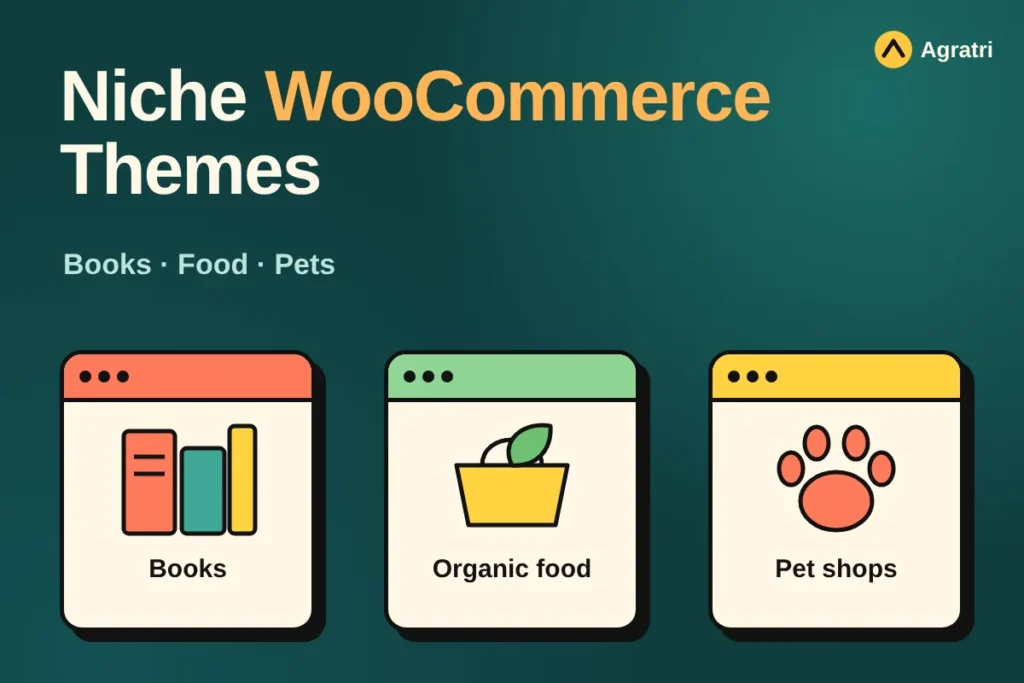
Niche WooCommerce themes give a specialty shop a head start, because the demo already looks like your kind of store. This list covers four themes from the Agratri collection for a bookstore, an organic food shop and a pet store. Each pick has a preview image, a short description, key features and a link to its page.
A general store theme tries to suit every product. A niche theme does the opposite. First, it ships with layouts for one type of shop. Next, it adds the pages that shop needs, such as an author page for books. As a result, you spend less time rebuilding the basics.
Why choose niche WooCommerce themes over a general theme
Most small stores sell one kind of product, which is why niche WooCommerce themes appeal to them. A bookshop needs author pages and book-focused product layouts. Food stores need filters, categories and a clean grocery look. Pet shops often need service pages beside their products. So a theme made for your niche saves real work.
Niche WooCommerce themes also help your visitors. Shoppers see a layout that matches what they expect, so they trust the shop faster. In addition, the demo content shows you how to organize your own products. You replace text and images instead of designing from zero.
However, a niche theme is not always the right call. If you sell many unrelated products, a multipurpose theme may fit better. Our wider list of WooCommerce WordPress themes covers that case.
How we picked these niche WooCommerce themes
These are picks from the Agratri collection, not an independent ranking. We read each product page and kept only the themes built around a specific kind of shop. Then we listed only the features that each page states.
We checked every theme against five points:
- A clear fit for one shop type, such as books, food or pets
- WooCommerce support for products, cart and checkout
- Demo content or ready-made homepages, so you can start fast
- A visual page builder, so you do not need to write code
- A responsive layout that works on phones and tablets
No theme wins on every point. For example, a theme with many demos gives you more choice, but it takes longer to learn. So think about your own time and skills before you decide.
Quick comparison of the four picks
Start with this table, then read the notes on each theme.
| Theme | Type | Best for | Details |
|---|---|---|---|
| Bookory | WordPress theme | Bookstores, publishers and authors | View details |
| Freshio | WordPress theme | Organic food shops, grocery stores and bakeries | View details |
| GreenMart | WordPress theme | Organic and food online stores, farmers and growers | View details |
| Babet | WordPress theme | Pet shops, grooming and pet care | View details |
The four picks in detail
Each of these niche WooCommerce themes suits a different kind of shop. Read the short description first, then check the feature list against your own needs. Because every pick works with a page builder, you can change layouts without writing code.
1. Bookory: WooCommerce theme for bookstores and publishers
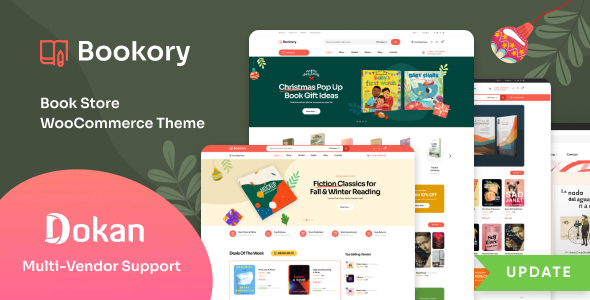
Bookory is a theme for stores that sell printed books, magazines or ebooks. Its page says it also suits publishers, authors and writers. It is built for WooCommerce and works with the Elementor page builder.
The layout choices matter for a bookshop. For example, the page lists five or more homepage designs, six or more shop styles and five or more product page layouts. In addition, it includes an author page, so you can introduce writers beside their titles.
Key features
- Five or more homepage designs and six or more WooCommerce shop styles
- Five or more product page layouts and a dedicated authors and writers page
- Elementor page builder and one-click demo import
- Ajax search, mega menu, quick view, wishlist and compare tools
- Support for the Dokan multi-vendor plugin, WPML and RTL languages
2. Freshio: WordPress theme for organic and food stores
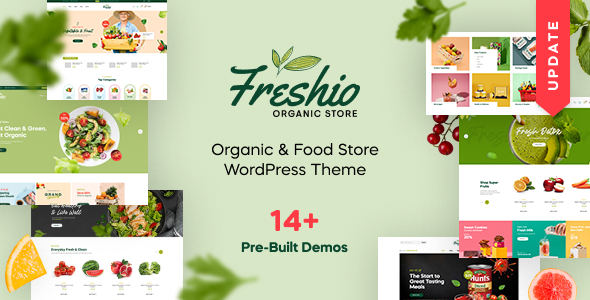
Freshio is a theme for organic and food stores. Its page says it fits fresh food shops, grocery markets, bakeries, eco product stores and natural cosmetics shops. It is built with Elementor and is ready for WooCommerce.
It gives you plenty of starting points. The page lists eight or more homepage demos and several shop page layouts. Moreover, customers can narrow results with price, category and tag filters, which helps when a store has many products.
Key features
- Eight or more homepage demos with one-click demo import
- Elementor page builder, with multiple header and footer styles
- Several shop page layouts and a filter system for price, categories and tags
- Compatible with the Widgets for Google Reviews plugin
- Ready-made inner pages, including cart, FAQ and 404 pages
3. GreenMart: WooCommerce theme for organic and food shops
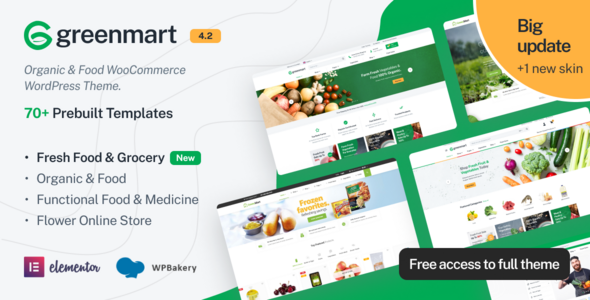
GreenMart is another food and organic option. Its page says it is built especially for food and organic online stores. It also speaks to farmers and growers who want to sell their own produce. The theme is compatible with Elementor and the WPBakery page builder.
Compared with Freshio, GreenMart leans on shop tools. For example, the feature list includes catalog mode, product quick view, Ajax search, an Ajax shopping cart and a wishlist. The page also shows a detailed changelog, with the latest entry dated October 2026.
Key features
- Several organic niche demos with one-click data import
- Catalog mode and min, max and step quantity options
- Product quick view, Ajax search, Ajax cart and product wishlist
- Mega menu, vertical menu and two mobile menu types
- RTL support, free lifetime updates and PHP 8.3 compatibility
4. Babet: WordPress theme for pet shops and pet care
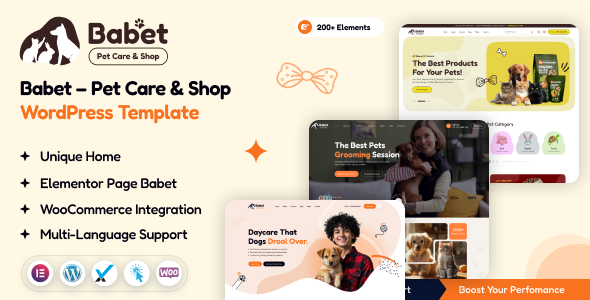
Babet is a pet care and shop theme. Its page says it fits pet stores, pet hotels, boarding, grooming, vet clinics and other pet sites. It is built with Elementor, and the page calls it fully WooCommerce friendly.
Pet businesses often sell both services and products. So Babet suits a groomer who also runs a small online shop. The page lists a live customizer, a header builder and a footer builder. It also states unlimited color options and multi-language support.
Key features
- Elementor page builder with live customizer options
- WooCommerce friendly, with complete shop pages
- One-click demo installation
- Header builder and footer builder
- Unlimited color options and multi-language support
View Babet. If your pet business is mostly services, see our list of local business WordPress themes too.
What to look for in niche WooCommerce themes
A good demo does not guarantee a good fit. Use these seven checks before you buy any of the niche WooCommerce themes on this page.
- A demo that matches your products. Open the demo and imagine your own items in it, because layouts differ by product type.
- Product page layouts. Check that the page can show the details your buyers need, such as authors, ingredients or sizes.
- Search and filters. Shoppers leave fast if they cannot find an item, so look for search, categories and filters.
- Cart helpers. Quick view, wishlist and compare tools make browsing easier.
- Page speed. A slow shop loses sales, so test the demo with Google PageSpeed Insights before you commit.
- Mobile layout. Many buyers shop on phones, so open the demo on a small screen.
- Updates and compatibility. Read the product page for update notes and the WooCommerce versions it supports.
Think about growth as well. A shop that starts with ten products may grow to hundreds. So check how each theme handles larger catalogs, for example through filters, search and category pages. Also look at whether the page lists support for extra plugins, such as multilingual or marketplace tools, because adding them later is easier when the theme already supports them.
Updates matter more than many buyers think. An old theme can break after a WooCommerce update. If you are unsure about quality, follow our steps to check if a WordPress theme is safe.
Set up your store after you pick a theme
A theme gives you the frame, but your products do the selling. Most niche WooCommerce themes in this list include demo pages, so you rarely start from a blank screen. Still, plan your content before you import a demo.
Follow these steps in order:
- Install WordPress and the WooCommerce plugin. The WooCommerce documentation explains the basic setup.
- Import the demo that is closest to your shop.
- Replace the demo products with your own photos and descriptions.
- Set up payments, shipping and tax settings.
- Place a test order on your phone before you launch.
Next, write your own product text. Demo copy is generic, so buyers notice when you leave it in. Real descriptions also make niche WooCommerce themes feel like your own brand. In addition, give every product a clear title and a real description. Google explains what shops can add in its product structured data guide. As a result, search engines can read your product details more easily.
When a custom build makes more sense
Ready-made niche WooCommerce themes are the fastest route for most small shops. However, some projects need more. A special checkout flow, a large catalog or a strict brand system may call for custom work.
There is a middle path too. You can start with a ready-made theme and adjust it. Our theme customization service covers that. For a store build, see our WooCommerce development service. If budget is your worry, read what drives the price in our guide to WooCommerce development cost. For several sellers on one site, see our list of marketplace WordPress themes.
Frequently asked questions
What are niche WooCommerce themes?
They are store themes built for one type of shop, such as books, food or pets. For example, they include layouts and demo pages for that product type. General themes try to fit every shop instead.
Are niche WooCommerce themes better than multipurpose themes?
It depends on your catalog. A niche theme saves setup time when you sell one kind of product. However, a multipurpose theme may suit a shop with many unrelated products, because it offers more layout choice.
Do I need Elementor for these themes?
Bookory, Freshio and Babet use Elementor, according to their pages. GreenMart is compatible with Elementor and the WPBakery page builder. A builder lets you edit sections without code, so it saves time later.
Can I run a multi-vendor store with these themes?
Bookory mentions support for the Dokan plugin on its page. GreenMart lists Dokan, MultiVendorX, WCFM Marketplace and WC Vendors. However, the other two pages do not state a marketplace plugin, so check the product page first.
Can I use a niche theme for a different product type?
Yes, but check the demo first. Freshio, for example, also lists bakeries and natural cosmetics shops on its page. For other products, compare the layouts with your real content before you buy.
How do I choose between these four themes?
Start with your product. Pick Bookory for books, Freshio or GreenMart for food and organic goods, and Babet for pets. Then compare the demo layouts with your own photos and text.
Pick your theme and start selling
Choose the theme that fits your products, and your shortlist of niche WooCommerce themes is ready. Niche WooCommerce themes work best when the demo matches your catalog. Browse all WordPress themes and HTML templates from Agratri, or contact the Agratri team if you want help to choose.
Last reviewed: November 2026