An architecture WordPress theme has to show your work well before it does anything else. Clients judge a studio by its images, so the theme must give your projects room to breathe. This guide gives you eight checks to run before you buy, so you can pick a theme that fits how your practice works.
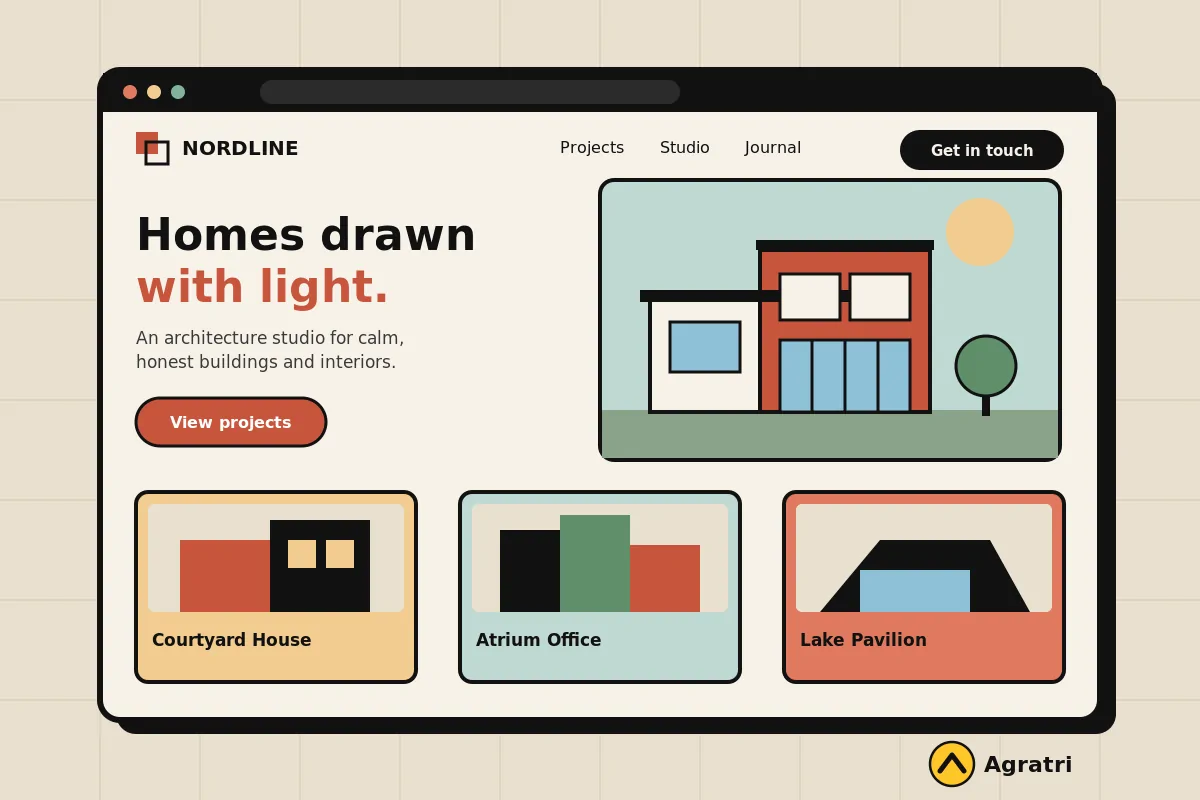
First, a note on scope. We look at themes, not at design software or project tools. However, every check below applies to any architecture WordPress theme, whether you run a small studio, an interior design bureau or a construction firm.
What an architecture website has to do
Think about who visits your site. Some are future clients who want to see finished buildings. Others are planners, suppliers or students who want to know who you are. A few are journalists looking for a contact. Because these groups want different things, your site must serve all of them from the first screen.
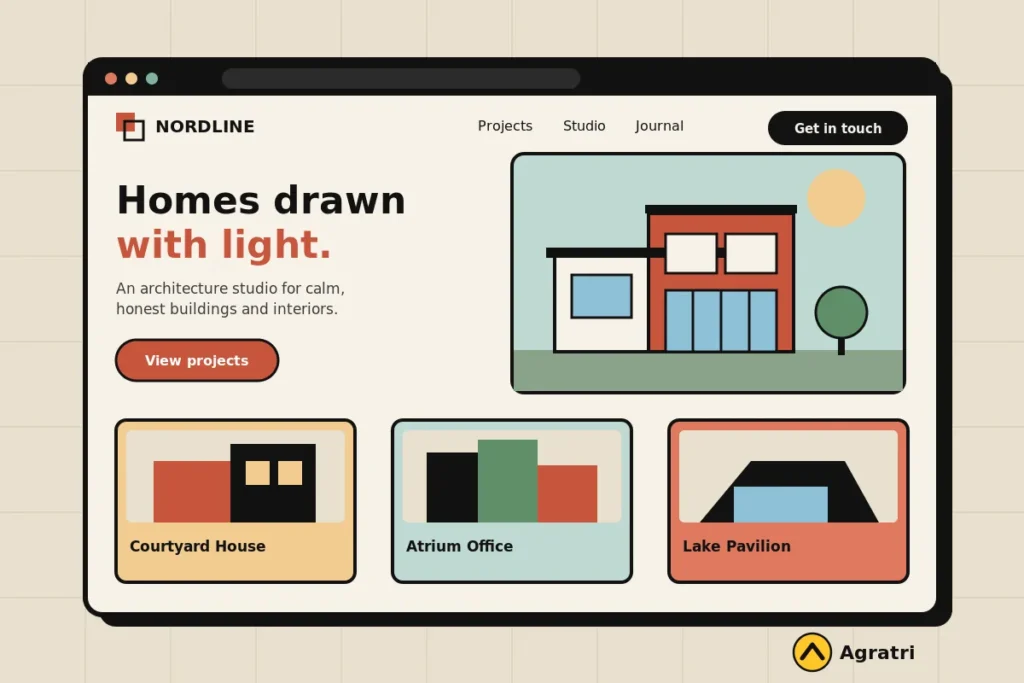
Most sites built on an architecture WordPress theme need these pages:
- Home page with a strong hero image, a short promise and a clear call to action
- Project pages with large photos, plans, and a short story for each build
- Services page that explains what you design and how you work
- Team page, so visitors know who they will meet
- Contact page with a form that sends enquiries straight to you
Next, think about who edits the site. In many studios, one person adds new projects between site visits. So the architecture WordPress theme you choose must be easy to edit. If a new project needs code, it will not get published.
8 checks before you buy an architecture WordPress theme
Run these checks on the live demo of any architecture WordPress theme. Score each one yes or no. Then count the noes. A theme with more than two is probably the wrong fit.
1. Project galleries show your photos at full strength
Your photos are your sales pitch. First, open the demo and look at a project page. The images should be large, sharp and easy to flip through. Then check how the gallery behaves on a phone. A good architecture WordPress theme keeps the photos crisp without hiding them behind small thumbnails.
Also look for filters. A studio with housing, office and interior work needs a way to sort projects by type. Otherwise visitors scroll past what they came to see.
2. The layout feels calm and uses white space
Architecture sites sell taste. For that reason, a crowded layout works against you. Look for generous spacing, a clear type scale and a short menu. If the demo feels busy before you add a single photo of your own, it will feel worse with real content.
3. Home page options fit your type of practice
A residential studio and a commercial firm do not need the same first screen. So check how many home page layouts the theme offers. Then test whether you can swap a slider for a single hero image. A flexible architecture WordPress theme lets you change the opening without rebuilding the site.
4. Editing is visual and simple
Your site will change every time you finish a project. Therefore, check how you add a project, swap a photo or change a heading. A drag and drop page builder helps here, because you move sections instead of writing code. In addition, look at how the theme handles header and footer changes, since those often need small updates.
5. The pages load fast with large images
Big photos look great, but they also slow a page down. Test the demo of any architecture WordPress theme with PageSpeed Insights and note the mobile result. Google explains the main speed signals in its guide to Core Web Vitals.
Heavy sliders and long animations slow the page further. A calm design with a few strong images often loads faster and still looks sharp. If speed matters to you, our performance optimization service can tune a site after launch.
6. The theme works well on phones
Many people look at projects on a phone, often between meetings. So open the demo on your own phone. Tap the menu, open a project and scroll the gallery. The text must be easy to read, and the buttons must be easy to tap.
7. Plugins and features match what you need
Some studios need a contact form, a newsletter box or an online shop for prints and books. Others need a multilingual site. Before you buy an architecture WordPress theme, list the features you need. Then check the theme page to see which ones come built in and which need a plugin. This also helps you plan the real cost of the site.
8. Updates and support are clear
Look at the date of the last update, and read what the support covers. If you are weighing a free option, our guide on choosing a free theme or a premium one lists nine checks. It also helps to know how to check whether a WordPress theme is safe before you install it. A trusted seller and clear update notes are a good start.
Test any demo in 30 minutes
You do not need technical skills for this test. Set a timer and follow these steps:
- Open the demo on your phone and find a project within one minute.
- Open a project page and scroll through the full gallery.
- Try the project filter, if the theme has one.
- Send a test enquiry through the contact form.
- Run the home page through PageSpeed Insights.
- Ask a friend to find your contact details, and watch where they get stuck.
Then compare your notes. The architecture WordPress theme with the fewest problems wins. In addition, write down any feature you must add with a plugin, so you can plan for it.
An example from the Agratri collection
If you want a starting point, look at Strux. We list only what the product page states, so check the details before you buy.
Strux: a theme for architecture and interior design
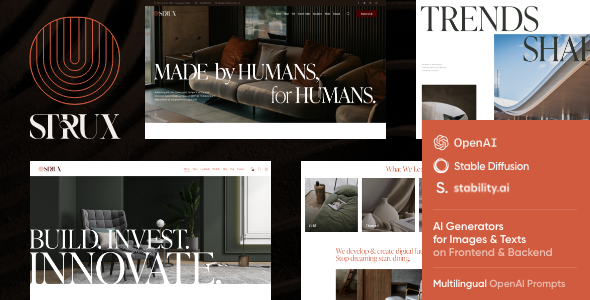
The Strux theme is an architecture WordPress theme made for architecture companies and interior design bureaus. The page also says it suits renovation, remodeling and construction businesses. It is responsive and ready for retina screens.
The page lists these features:
- Unique home page layouts and one click demo installation
- Slider Revolution and Swiper slider included
- Elementor page builder support, with custom header and footer layouts
- Boxed and full width page layouts
- More than 750 Customizer options
- Compatibility with WooCommerce, WPML and Contact Form 7
Compare that list with your checks. Editing, layouts and plugin support are covered. However, the page lists sliders, so test their speed on the demo. Also see our portfolio WordPress themes roundup if your work is mainly image led.
When an architecture WordPress theme is not enough
Sometimes an architecture WordPress theme gets you most of the way. You may want a special layout for your best projects, or a color scheme that matches your logo. In that case, a small change is cheaper than a full custom build. If you are still unsure, read how an HTML template compares with a WordPress theme.
Our theme customization service shapes colors, layouts, sections and features to fit your brand. If you are not sure which path to take, tell us what your studio needs and we will point you to the right option.
Frequently asked questions
What should an architecture website include?
Most architecture sites include a strong home page, project pages with large photos, a services page, a team page and a contact form. Put your best project on the first screen.
Do I need a portfolio plugin?
Not always. Many themes include project pages and filters. However, check the demo first. If it lacks a filter you need, a plugin can fill the gap.
Can I use WordPress for a large architecture firm?
Yes. WordPress handles large sites well when the theme is built with care. Check speed on the demo, and plan for good hosting.
How many images should a project page have?
There is no fixed number. Show enough to tell the story of the building, from the street view to the details. Compress every image before you upload it, so the page stays fast.
Is a free architecture WordPress theme enough for a small studio?
It can be, if you need only a few pages. However, a free theme may offer limited support and fewer layouts. Compare your needs with the checks above before you decide.
Choose an architecture WordPress theme that lets your work lead
The best choice is the one your visitors can use on a phone and you can edit without help. Run the eight checks, test the demo, and write down what needs a plugin. Then decide with confidence.
Ready to look? Browse all WordPress themes and HTML templates from Agratri, or contact the team if you want help to choose.
Last reviewed: November 2026