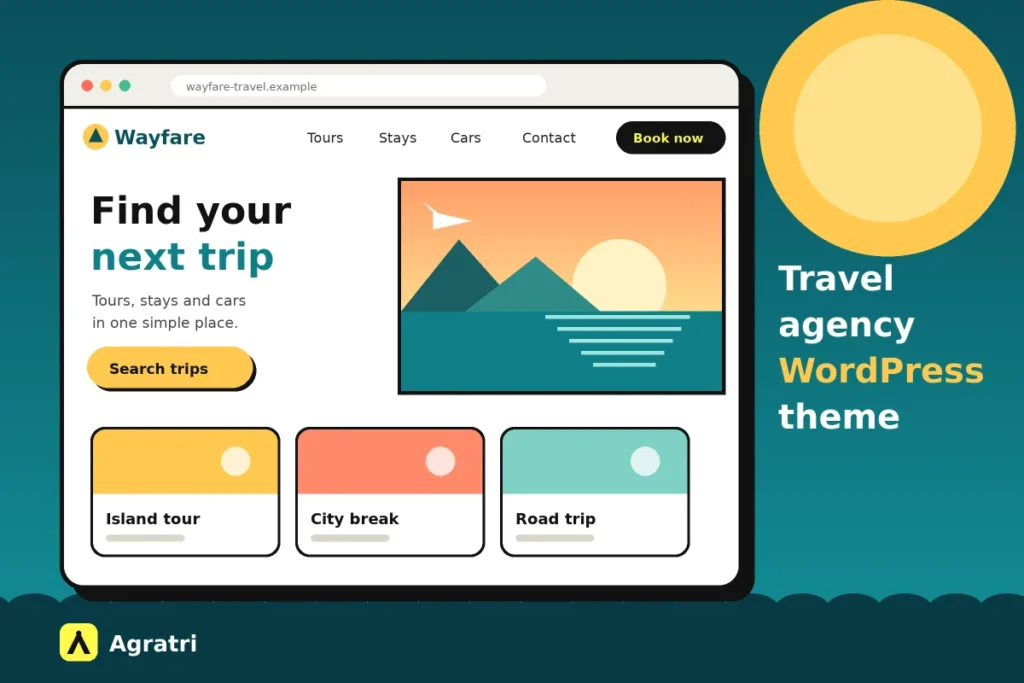
A travel agency WordPress theme has to do more than look good. Visitors want to browse trips, check dates and book without friction. Owners want to update tours and prices without calling a developer. This guide gives you eight checks to run before you buy, so you can pick a theme that fits how you sell.
First, a note on scope. We look at themes, not at airlines, hotels or booking engines. However, every check below applies to any travel agency WordPress theme, whether you run a tour operator, a small agency, a car rental firm or a guest house.
What a travel agency website has to do
Think about who visits. Some people are dreaming and only want ideas. Others know their dates and want a price today. A few are returning guests who need to manage a booking. Because these groups want different things, your site must serve all of them from the first screen.
Most sites that use a travel agency WordPress theme need these pages:
- Home page with a search box, featured trips and a clear call to action
- Listing pages for tours, stays, cars or packages, with filters
- Detail pages for each trip, with photos, dates, prices and a booking form
- Team page, so visitors trust who they pay
- Contact page, with a form that sends enquiries straight to you
Next, think about who runs the site. In many small agencies, one person adds new trips between calls. So the travel agency WordPress theme you choose must be easy to edit. If a new tour needs code, it will not get published.
8 checks before you buy a travel agency WordPress theme
Run these checks on the live demo of any theme. Score each one yes or no. Then count the noes. A theme with more than two is probably the wrong fit.
1. The booking system matches what you sell
Booking is the heart of the site. First, list what you sell: tours, rooms, cars, cruises or only enquiries. Then check that the travel agency WordPress theme handles that type. A theme built for hotel rooms may not suit a day tour with fixed departures.
Also decide whether you need online payment at all. Some agencies only collect enquiries and close the sale by phone. In that case, a clean enquiry form is enough, and a full booking engine adds work you do not need.
2. Availability and pricing rules are flexible
Travel prices change with the season, the group size and the extras. So look in any travel agency WordPress theme for seasonal pricing, optional extras and clear date blocking. Also test what happens when a date is full. The form should say so before the visitor fills in every field.
If you list your rooms on other booking sites, ask about calendar sync. Otherwise you risk a double booking, which costs money and trust.
3. Payments and deposits are clear
Many guests prefer to pay a deposit and settle the rest later. For that reason, check whether the travel agency WordPress theme supports partial payments. Then count the clicks from the trip page to the payment step. Fewer clicks usually mean fewer people who give up.
In addition, check which payment methods the theme supports and whether they work in your country. Run a full test booking on the demo before you decide.
4. Search and filters are easy to use
Visitors rarely scroll through every trip. Instead, they search by place, date, price or type. A good travel agency WordPress theme puts a search box on the home page and lets people narrow the results fast. Try it yourself: find a trip under a set budget in under a minute.
5. The theme works well on phones
Many people research trips on a phone, often on the couch or on the train. So open the travel agency WordPress theme demo on your own phone. Tap the menu, run a search and open the booking form. The text must be easy to read, and the buttons must be easy to tap.
6. The pages load fast
Big photos sell trips, but they also slow a page down. Test the demo with PageSpeed Insights and note the mobile result. Google explains the main speed signals in its guide to Core Web Vitals.
Also look at the demo itself. Heavy sliders and long animations slow it further. A calm design with a few strong photos often loads faster and still looks great.
7. It is easy to edit and translate
Your site will change every season. Therefore, check how you add a trip, swap a photo or change a price. A drag and drop page builder helps here, because you move sections instead of writing code. If your guests speak more than one language, also check for translation support and right to left text.
8. Updates and support are clear
Look at the date of the last update, and read what the support covers. If you are weighing a free option, our guide on choosing a free theme or a premium one lists nine checks. It also helps to know how to check whether a WordPress theme is safe before you install it. A trusted seller and clear update notes are a good start.
Test any demo in 30 minutes
You do not need technical skills for this test. Set a timer and follow these steps:
- Open the demo on your phone and find a trip within one minute.
- Use the search box with a place, a date and a budget.
- Open a trip page and start a booking, then go as far as the payment step.
- Send a test enquiry through the contact form.
- Run the home page through PageSpeed Insights.
- Ask a friend to find the price of one trip, and watch where they get stuck.
Then compare your notes. The travel agency WordPress theme with the fewest problems wins. In addition, write down any feature you must add with a plugin, so you can plan for it.
Two travel themes from the Agratri collection
If you want a starting point, look at these two options for a travel agency WordPress theme. Both come from the Agratri collection, and both are made for travel businesses. We list only what each product page states, so check the details before you buy.
UniTravel: a theme for agencies and tourism bureaus
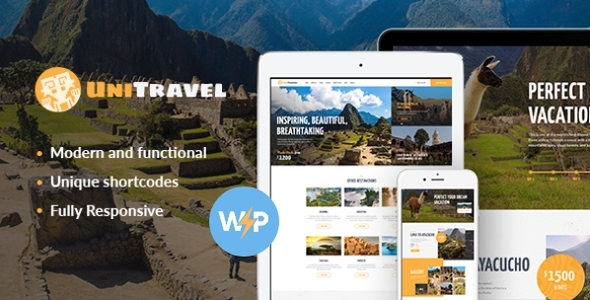
The UniTravel theme is made for travel agencies, tour operators and tourism bureaus. The page also says it fits hotels, hostels, villas and resorts. Its design is bright and responsive, and the booking form works on any device.
The page lists these features:
- Online appointment booking and management
- Three home page layouts
- A catalog with search filters and AJAX search
- One click demo install
- WPBakery Page Builder support and over 750 Customizer options
- WooCommerce compatibility
Compare that list with your checks. Search, editing and mobile layout are covered. However, the page describes appointment booking, not a full tour inventory system. So test the booking flow on the demo, and confirm that it fits how you sell.
Book Your Travel: a theme built around bookings
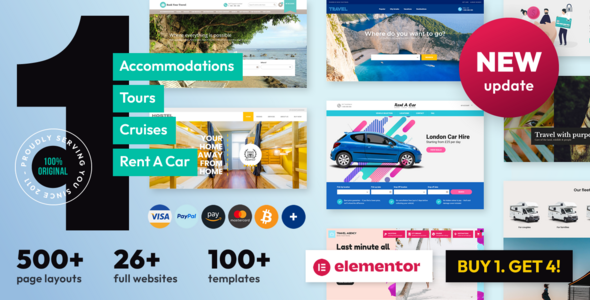
The Book Your Travel theme puts the booking system first. Its page says it suits travel agencies, tour operators, cruise operators and car rental firms. It also covers hotels, guest houses and single properties.
The page lists these features:
- Booking for rooms, tours, car rental and cruises, plus a travel agency mode
- Deposits and partial payments, seasonal pricing and optional extras
- An availability checker, destinations pages and a user review system
- Calendar sync with other booking sites through iCal export
- A marketplace area where users can list and manage their own offers
- WPML support, built-in right to left support and a child theme
- A one click installer with more than 22 website templates
This list answers the booking, pricing and payment checks well. As a result, it suits agencies that want to take bookings online. On the other hand, it has more settings to learn, so give yourself time to test the demo.
When a travel agency WordPress theme is not enough
Sometimes the theme gets you most of the way. You may want a special layout for your top tours, a link to your own booking system or a color scheme that matches your logo. In that case, a small change is cheaper than a full custom build.
Our theme customization service shapes colors, layouts, sections and features to fit your brand. If you plan to sell extras online, also see our WooCommerce development service. If you are not sure which path to take, tell us what your agency needs and we will point you to the right option.
Frequently asked questions
What should a travel website include?
Most travel sites include a search box, trip listings with filters, detail pages with prices and dates, a booking or enquiry form, and contact details. Put the search box where visitors see it first.
Do I need online booking on my travel site?
Not always. If you close most sales by phone, a good enquiry form is enough. However, if guests expect to book at night or on weekends, online booking helps you win those sales.
Can WordPress handle bookings for tours and rooms?
Yes. Some themes include a booking system, and others work with a plugin. Check the demo, and test a full booking from the search box to the payment step.
How do I choose between a travel theme and a multipurpose theme?
Choose a travel theme if booking is central to your business. A multipurpose theme works when you only need to show trips and collect enquiries. Either way, test the demo against the eight checks above.
Is a free travel theme enough for a small agency?
It can be, if you need only a few pages. However, a free travel agency WordPress theme may offer limited support and fewer booking features. Compare your needs with the checks above before you decide.
Choose a theme your guests can book with
The best travel agency WordPress theme is the one your guests can use on a phone and you can edit without help. Run the eight checks, test the demo, and write down what needs a plugin. Then make your choice with confidence.
Ready to look? Browse all WordPress themes and HTML templates from Agratri, or contact the team if you want help to choose.
Last reviewed: November 2026