A WordPress redesign checklist keeps a fresh look from costing you traffic, leads or sales. Before you change a single color, you need to know what the site does well today, what to protect, and what to fix. This guide gives you ten steps in the order that works best, from planning to launch day.
It is written for business owners, freelancers and agency teams who plan to redesign a WordPress site and want fewer surprises. Each step explains why it matters and what to do, so you can follow it with or without a developer.
Is a redesign really what you need?
Many sites need a tune-up, not a rebuild. First, write down the problem you want to solve. For example, visitors may leave the home page quickly, the site may look broken on phones, or your brand may have changed. Each of these has a different fix.
If the structure works and only the look feels old, a lighter change is often enough. Our guide on theme customization vs custom theme shows how to choose between a small restyle and a full build. A full redesign makes sense when the layout, the navigation or the content no longer fits your goals.
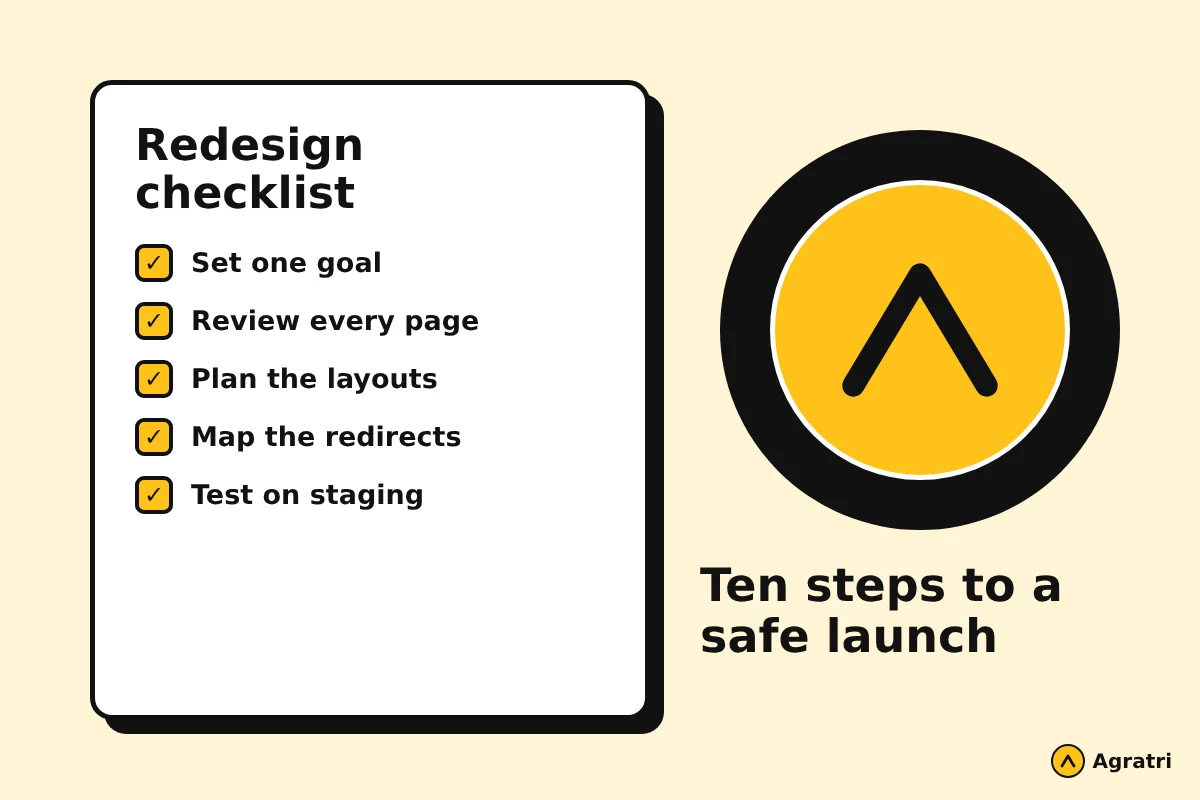
Your WordPress redesign checklist at a glance
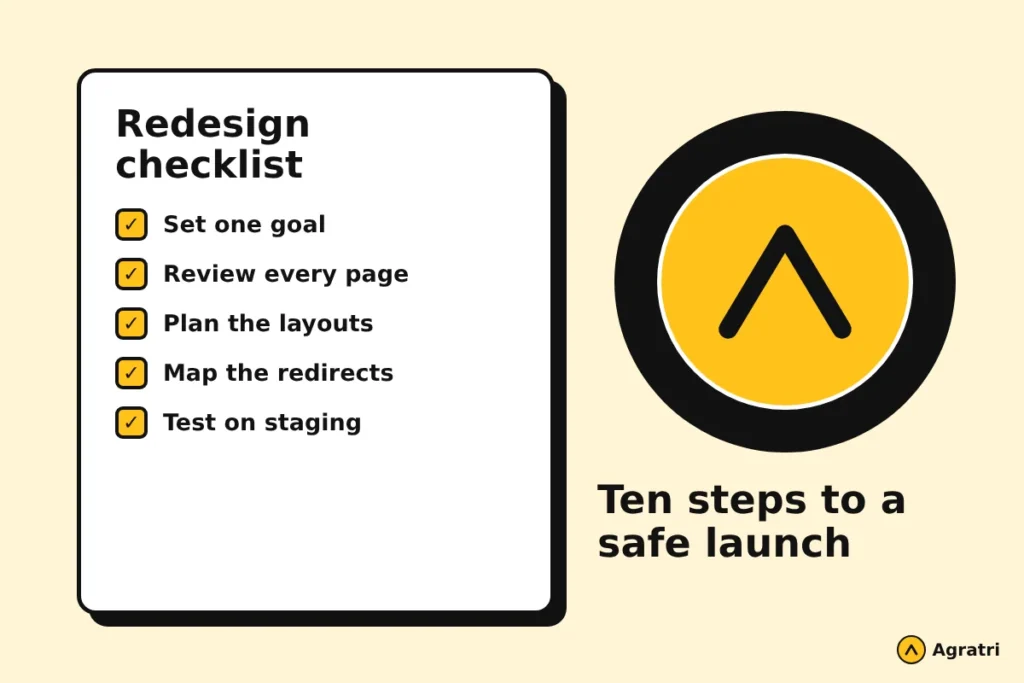
Here are the ten steps. The sections below explain each one.
- Set one clear goal for the redesign.
- Record how the current site performs.
- List every page and decide its future.
- Write a short design brief.
- Plan layouts with wireframes and a prototype.
- Choose how you will build the new design.
- Check accessibility and speed early.
- Build a redirect map for changed addresses.
- Test everything on a staging copy.
- Launch, then watch the site closely.
Plan before you design
Step 1: Set one clear goal
Pick the one result that matters most. It might be more contact form requests, more online orders, or a clearer message for new visitors. A single goal helps you say no to ideas that do not serve it. As a result, the design stays focused and the project stays on budget.
Step 2: Record how the current site performs
Next, save a snapshot of today. Note your top pages by visits, the pages that bring in leads, and the search terms that send people to you. Google Search Console and your analytics tool show most of this for free. Without a starting point, you cannot tell later whether the redesign helped or hurt.
Also write down how fast the key pages load and how they look on a phone. You will compare these notes after launch.
Step 3: List every page and decide its future
Now make a simple sheet with one row per page. For each page, choose one action: keep it, improve it, merge it with another page, or remove it. Pages that earn traffic or links deserve extra care. Thin pages that nobody reads can often be merged or retired.
This content review also tells you which new pages you need. For instance, a service business may find that it has no page for a service it sells every week.
Design the new site
Step 4: Write a short design brief
A brief puts your goal, audience, pages and style preferences in one place. It saves hours of back and forth, because everyone works from the same document. If you have never written one, follow our website design brief checklist and copy the parts that fit your project.
Step 5: Plan layouts with wireframes and a prototype
Wireframes show where content goes on each page, without colors or photos. A clickable prototype then lets you walk through the site like a visitor. Changing structure at this stage is cheap. Changing it after development is slow and costly.
Our UI/UX design service follows this path. It starts with a research and goals workshop, then moves to wireframes, user flows and high-fidelity page designs. It also includes a design system and a clickable prototype you review before anything is built.
Step 6: Choose how you will build the new design
You have three common routes. You can start from a ready-made theme, adapt a theme you already own, or build a custom one. A ready-made theme is usually the fastest way to launch. A custom build suits sites with needs that no theme meets. Ask for one price and one timeline before work starts, so you can compare routes fairly.
Step 7: Check accessibility and speed early
Do not leave these for the last week. Readable text, strong color contrast, clear buttons and keyboard-friendly menus help every visitor. The W3C offers a helpful introduction to web accessibility if you want a plain starting point.
Speed matters too, because heavy images and extra plugins slow pages down. Choose lean layouts, compress images and remove plugins you no longer use. Faster pages also help search engines crawl your site more efficiently.
Protect your rankings
Step 8: Build a redirect map for changed addresses
Whenever a page address changes, the old address must send visitors and search engines to the new one. A redirect map is a sheet with two columns: the old address and the new address. Without it, people land on error pages and your search visibility can drop.
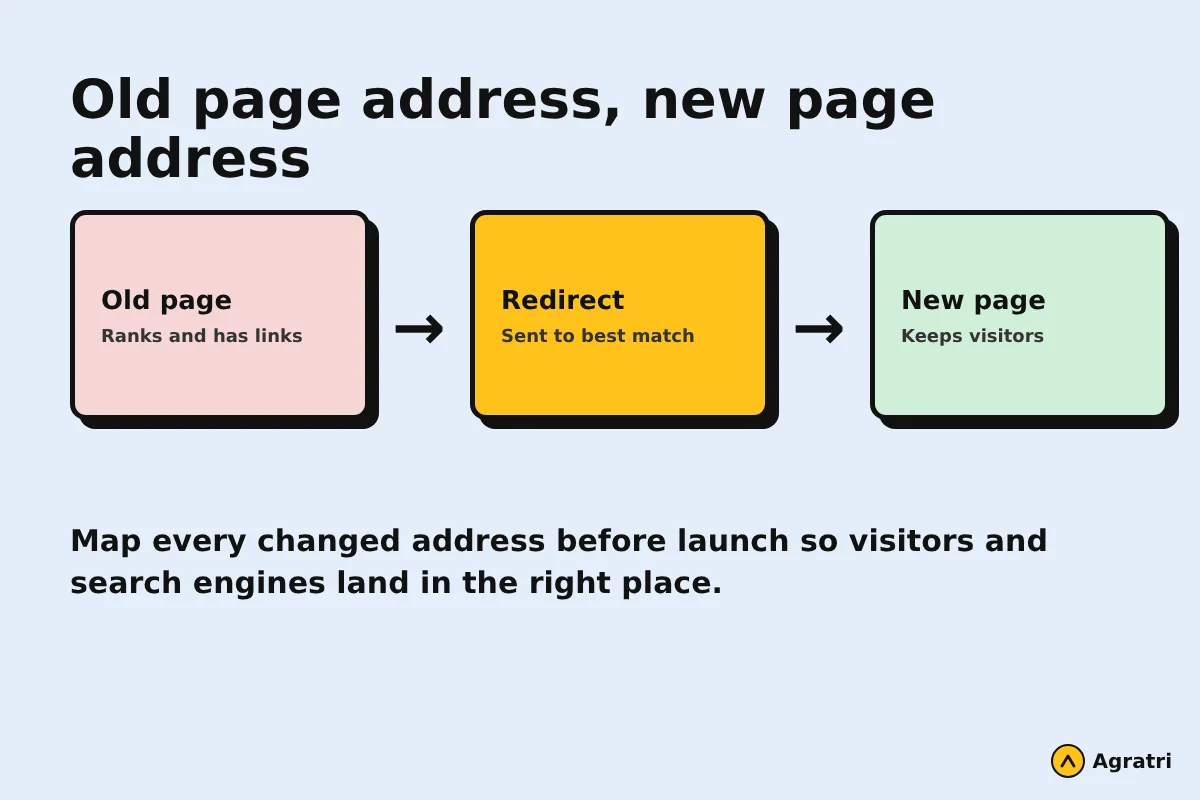
Keep addresses the same wherever you can. When you must change one, send it to the closest matching page, not just the home page. Google explains the process in its guide to site moves with URL changes. If a new host is part of the plan, read our WordPress migration checklist as well.
Step 9: Test everything on a staging copy
A staging site is a private copy of your website. Build and test the redesign there, so visitors never see half-finished work. Click every menu item, submit every form, and open the site on a phone and a tablet. Then compare page titles and meta descriptions with your old list, because they are easy to lose during a rebuild.
Finally, take a full backup of the live site before you switch. A backup gives you a safe point to return to if something goes wrong.
Final WordPress redesign checklist before launch
Step 10: Launch, then watch the site closely
Pick a quiet time to launch. After the switch, check the following items on the same day:
- The home page, key service pages and contact form all work.
- Old addresses redirect to the right new pages.
- The search visibility setting in WordPress allows indexing.
- Your sitemap is updated and sent again in Search Console.
- Tracking codes still record visits.
Over the next few weeks, watch the crawl errors report and your top pages. Small fixes made quickly prevent bigger drops. If rankings dip a little at first, give search engines time to process the changes before you react.
Common mistakes to avoid
Most redesign problems come from skipping the early steps. Teams often start with colors and fonts, then discover that half the pages have no purpose. Others forget redirects and lose pages that earned links over the years. Some add large sliders and effects that slow the site on phones.
A WordPress redesign checklist prevents most of these problems, because it forces the planning to happen first. Another common mistake is changing everything at once. If you can, keep the best content and improve it. This keeps the signals that already work for you and makes the new design easier to judge.
How Agratri can help with your redesign
You can follow this WordPress redesign checklist on your own, or hand parts of it to a team. Agratri offers UI/UX design, theme customization, custom theme development and WordPress migration. Each project starts with a short brief, and you receive one price and one timeline before work begins. If you only need a fresh look for a purchased theme, customization is usually quicker and cheaper than a full build.
Frequently asked questions
What should a WordPress redesign checklist include?
It should cover your goal, a record of current performance, a page-by-page content review, a design brief, layouts, the build route, accessibility, speed, redirects, staging tests and a launch plan.
How do I redesign a WordPress site without losing SEO?
Keep page addresses and good content where you can. Map every changed address to a new page with a redirect, keep titles and descriptions, test on staging, and watch Search Console after launch.
How long does a website redesign take?
It depends on the number of pages, the amount of new content and how fast you approve each stage. We do not quote a standard time, because every site is different. Ask any provider for a written timeline before you start.
Should I change my theme or customize the one I have?
If the structure works and only the look feels dated, customization is often enough. If the layout, features or content model no longer fit your goals, a new theme or a custom build is the better choice.
Do I need a staging site for a redesign?
Yes. A staging copy lets you test every page and form privately, so visitors only see the finished result.
Ready to start your redesign?
A careful plan turns a risky project into a routine one. If you want help with the design, the build or the move, contact Agratri and share a few details about your site. We will reply with a clear next step.