A classified ads website lives or dies by its search and its listing pages. Visitors need to find an item fast, and sellers need to post one without help. This guide gives you eight checks to run on any theme before you commit, so your classified ads website starts on solid ground.
First, a note on scope. We look at the theme choice here, not at hosting plans or marketing. However, the checks apply whether you plan a general marketplace or a niche board for cars, rentals, services or jobs.
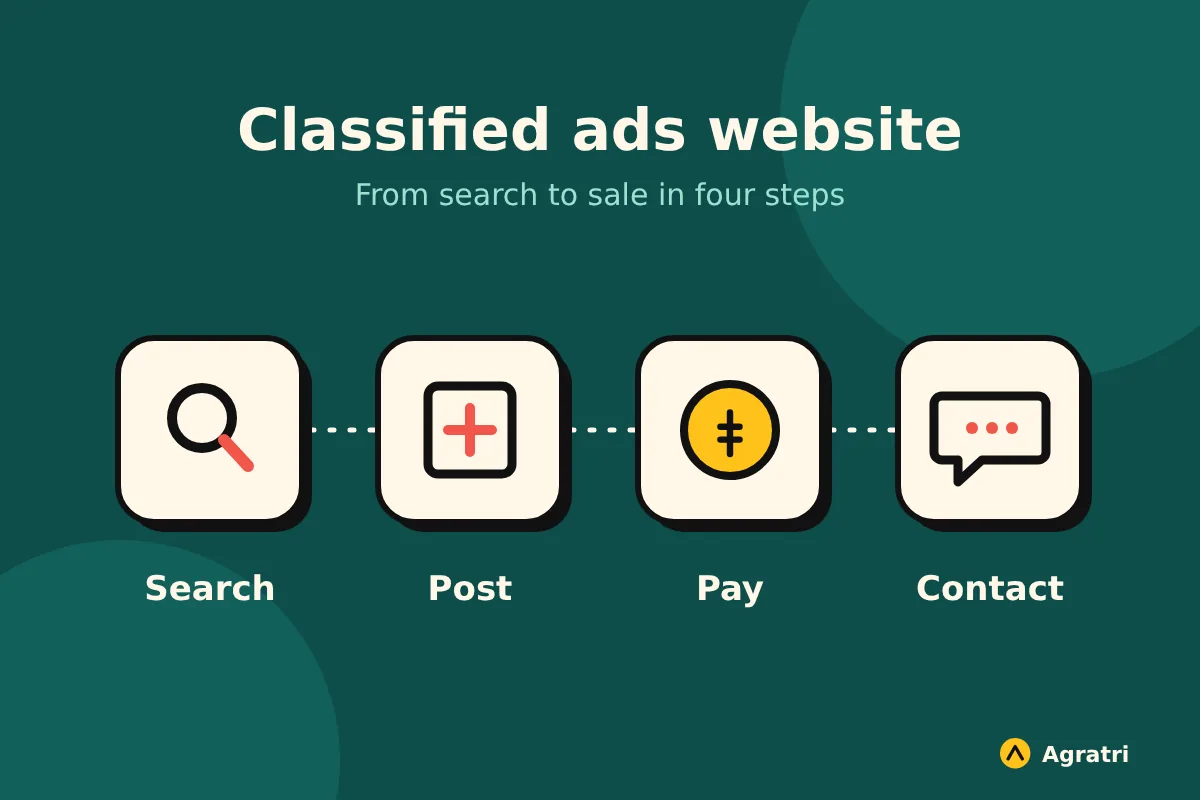
What a classified ads website has to do
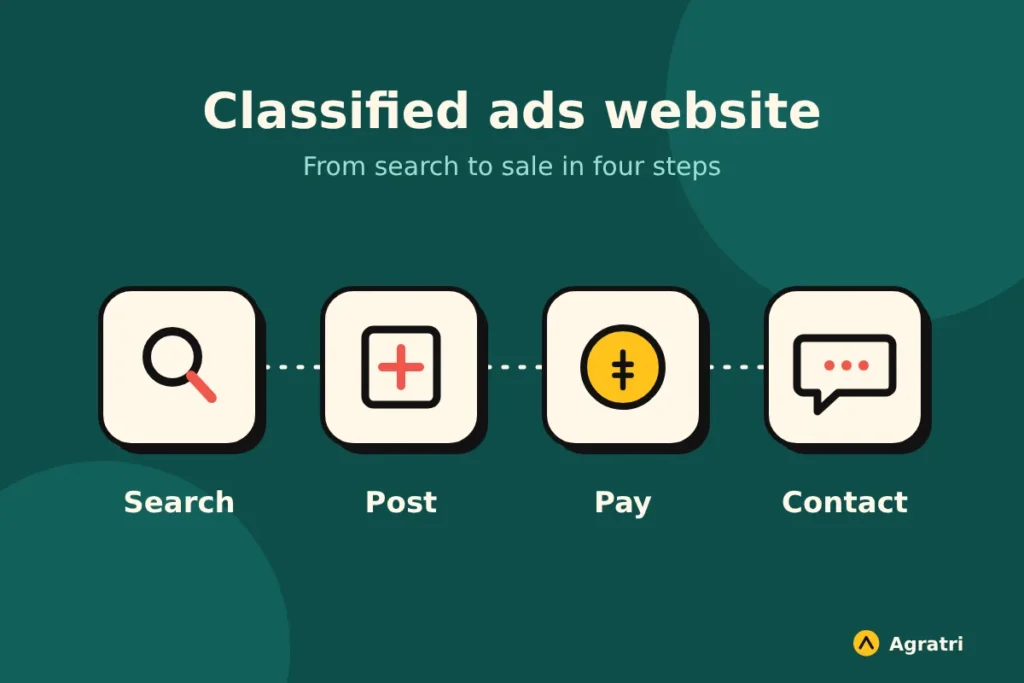
Think about the two groups who use your classified ads website. Buyers want to filter listings and contact a seller quickly. Sellers want a simple form, clear rules and a way to make their ad stand out. Because both groups matter, your theme has to serve them from day one.
A typical classified ads website needs these building blocks:
- A search bar with filters for category, price and location
- Listing pages with photos, a description and a contact option
- A front-end form, so sellers add ads without touching the dashboard
- User accounts, where members manage their own ads
- A way to earn money, such as paid packages or featured ads
Next, decide who runs your classified ads website. If you will approve every ad by hand, you need moderation tools. If you want growth without extra work, you need automatic payments. So write down your plan before you open a single demo.
8 checks before you choose a classified ads theme
Run these checks on the live demo. Score each one yes or no, then count the noes. A theme with more than two is probably the wrong fit.
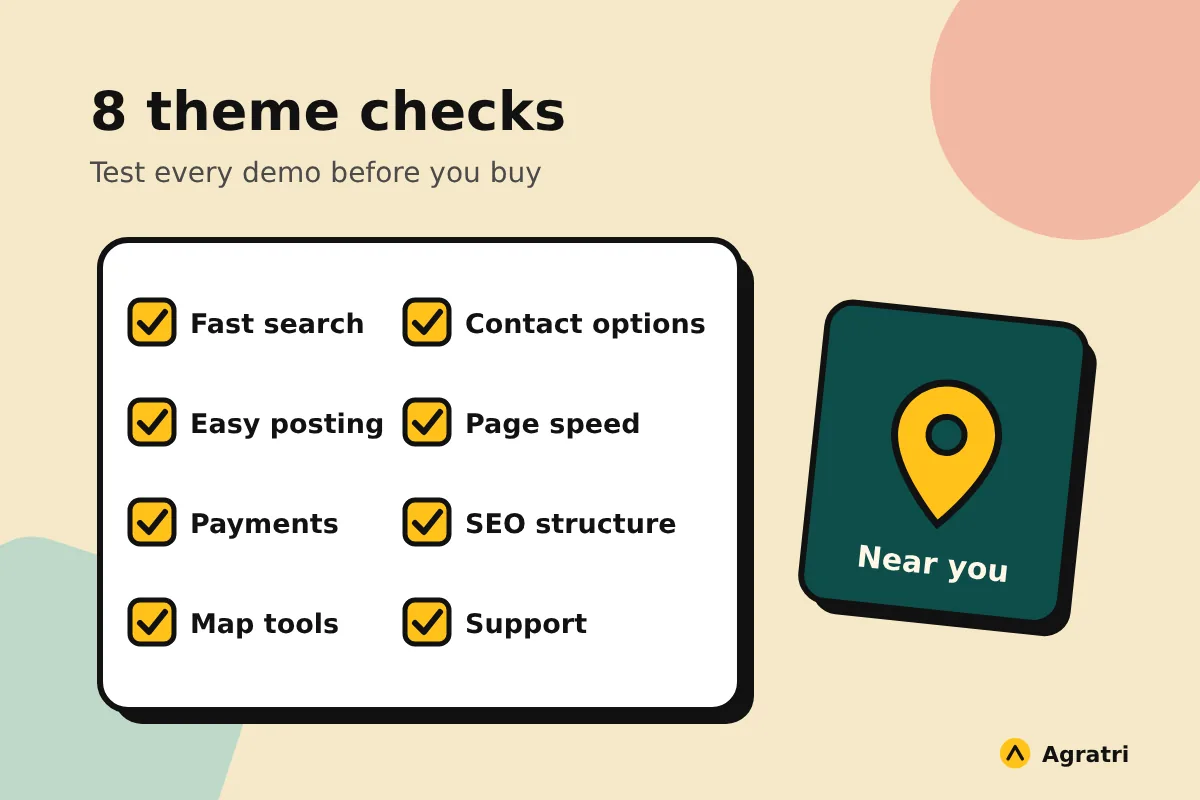
1. Search is fast and easy to use
Search is the heart of a classified ads website. Open the demo and type a few words, then apply two or three filters. The results should update quickly, and the filters should be easy to read on a phone. If search feels slow with demo content, it will feel worse with thousands of real ads.
2. Sellers can post an ad in a few minutes
Create a test account and add a listing yourself. Count the steps. Then check whether the form asks only for what a buyer needs. A long, confusing form means fewer ads, and fewer ads means fewer visitors.
3. Payments and packages are built in
Many owners want to charge for featured ads or monthly plans. Check the theme page to see which payment options come built in. For example, look for support for subscriptions and for common payment gateways. Otherwise you will need extra plugins, and each one adds cost and upkeep.
4. Location tools work properly
Buyers often look for items near them. So check whether the theme offers a map, a location filter or both. Also test what happens when you search by city. A good map view turns a plain list into a tool people return to.
5. Contact options match how people talk
A buyer who cannot reach a seller will leave. Look at the ways to get in touch, such as direct messages, a phone number button or a chat app link. In addition, check whether sellers can hide their details until a buyer asks. Trust matters on any classified ads website.
6. Pages load fast, even with many listings
Listing sites carry many images, so speed needs attention. Test the demo with PageSpeed Insights and note the mobile result. Google explains the main speed signals in its guide to Core Web Vitals.
If speed becomes a problem after launch, our performance optimization service can help tune the site. Our post on what WordPress speed work costs shows what drives the price.
7. Search engines can find every category
A classified ads website grows through search traffic, so structure matters. Check for clean web addresses, category pages and a place for your own SEO titles. Some themes also create landing pages for popular searches. Because these pages bring in visitors, they are worth a close look.
8. Updates and support are clear
Look at the date of the last update and read what support covers. It also helps to know how to check whether a WordPress theme is safe before you install it. A trusted seller and clear update notes are a good start for any classified ads website.
Test any demo in 30 minutes
You do not need technical skills for this test. Set a timer and follow these steps:
- Open the demo on your phone and search for an item within one minute.
- Apply a category, a price and a location filter.
- Open a listing and try every contact option.
- Create a test seller account and post an ad.
- Look for the payment or package options.
- Run the home page through PageSpeed Insights.
Then compare your notes. The theme with the fewest problems wins. Also write down every feature that needs a plugin, so you can plan the real cost.
An example from the Agratri collection
If you want a starting point, look at Listivo. We list only what the product page states, so check the details before you buy.
Listivo: a classified ads WordPress theme
On the product page, Listivo is a classified ads theme for directories, listings and listing platforms. Its description says it suits sectors such as automotive, real estate, services, jobs and rentals.
It also lists these features:
- Payment packages, Stripe subscriptions and featured listings
- A search engine that returns results without page reloads
- More than 200 custom Elementor widgets and 11 demos
- Google Maps and OpenStreetMap for location search
- A review system, direct messaging, and WhatsApp, Viber and SMS contact options
- Automatic micro landing pages and Yoast SEO integration
- Compatibility with WP All Import and LiteSpeed Cache
Now compare that list with your checks. Search, payments, location tools and contact options are all covered. However, test the demo yourself, and make sure the features fit your classified ads website. If you need a wider view, see our roundup of marketplace WordPress themes for multi-vendor sites.
Plan for the work after launch
A classified ads website is never finished on launch day. Ads expire, members ask for help, and plugins need updates. So set aside time each month for upkeep. Our guide to a WordPress maintenance plan lists nine checks to run before you sign one.
You may also want a custom touch, such as a new field for your niche or a layout that matches your brand. In that case, a small change is cheaper than a full custom build. Our theme customization service shapes colors, layouts and features to fit your plan. If you are not sure which path to take, tell us what your site needs and we will point you to the right option.
Frequently asked questions
How do I make a classified ads website with WordPress?
Pick a theme built for listings, then add the pages you need, such as a home page, a search page and a seller dashboard. Test the posting flow yourself before you invite anyone.
Can I earn money from a classified ads website?
Yes, many owners charge for featured ads or paid packages. Check that your theme supports the payment model you want, so you avoid extra plugins.
Do I need a plugin or a theme for classified ads?
Some themes include listing features, while others rely on a plugin. A theme with built-in features is simpler to run. However, compare both options on the demo before you decide.
How many ads can a classified ads website handle?
It depends on your theme, your hosting and your images. Test the demo for speed, and plan for good hosting as your ad count grows.
Is a free theme enough for a small classified ads website?
It can be, if you need only a few features. However, a free theme may offer limited support. Our guide on choosing a free theme or a premium one helps you compare.
Choose a theme that fits your listing plan
The best theme for a classified ads website is the one buyers can search on a phone and sellers can use without help. Run the eight checks, test the demo, and write down what needs a plugin. Then decide with confidence.
Ready to look? Browse all WordPress themes and HTML templates from Agratri, or contact the team if you want help to choose.
Last reviewed: November 2026