If you plan to hire a WordPress developer, the first decision is not who to hire. It is what you need built. A clear scope, a short list of checks and a few direct questions will protect your budget and your launch date. This guide shows you how to hire a WordPress developer step by step, so you can compare people on facts instead of promises.
When it makes sense to hire a WordPress developer
Not every project needs one. A simple site built on a ready-made theme can often be set up by the owner. However, some jobs go beyond settings and page editing.
You should look for a developer when you need a custom layout, a new feature, a speed fix or a site move. You should also look for help when a theme update broke something and you cannot find the cause. In these cases a skilled person saves more time than they cost.
Three common buyer situations
- Small business owner: you bought a theme and want it to match your brand and sell your services.
- Agency owner: you have more client work than your team can handle, so you need reliable extra hands.
- Startup founder: you have design files and need a fast, clean build that can grow with the product.
Each situation points to a different kind of help. Knowing yours makes every later step easier.
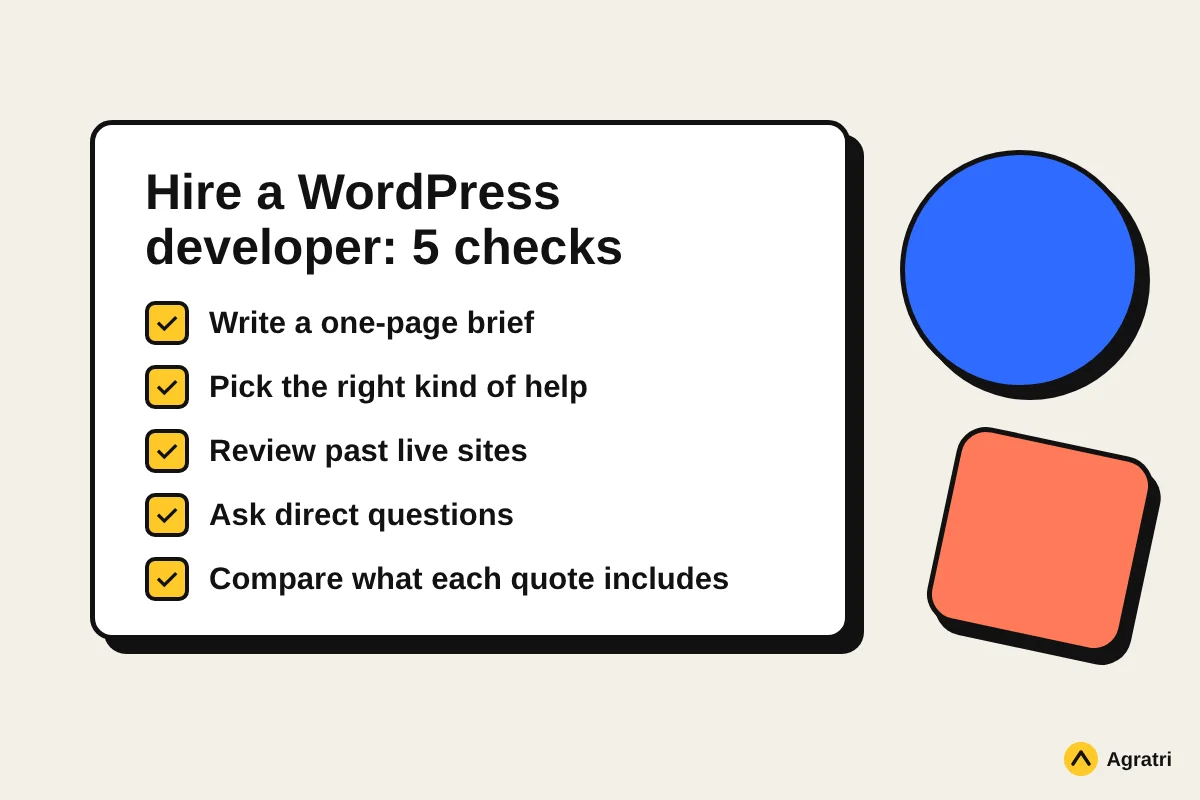
Step 1: Write a short brief before you contact anyone
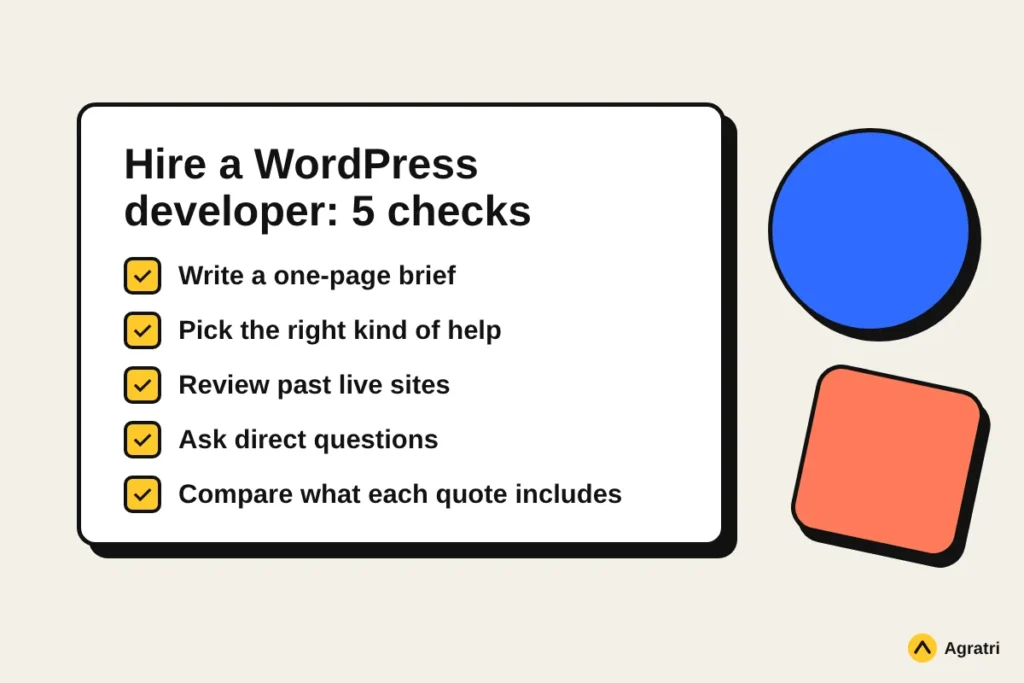
A brief is the cheapest way to avoid a bad hire. It also makes quotes easier to compare, because every developer answers the same questions. Our guide to a website design brief shows what to include.
At minimum, write down these points:
- The goal of the site and who will use it.
- The pages and features you need on day one.
- Your design files, theme or examples you like.
- Your deadline and your budget range.
- Who will update the site after launch.
Keep the brief to one page. A short, clear document gets better replies than a long message full of ideas.
Step 2: Choose the type of help you need
WordPress work falls into a few groups, and the right person depends on the group. Mixing them up is a common reason projects go wrong.
Theme customization
You already own a theme and want it reshaped. This covers colors, fonts, layouts and extra sections. It is usually faster than a full build, so it suits small business and portfolio sites. Our WordPress theme customization service works this way, with changes kept in a child theme so updates stay safe.
Custom theme development
You need a structure or feature set that no ready-made theme offers. Here a developer builds the theme from scratch around your content. If this sounds like your project, read about custom WordPress theme development to see what a build can include.
Fixes, speed and maintenance
Some jobs are smaller, such as a broken form, a slow page or a plugin conflict. For these, look for someone who can diagnose problems quickly and explain the cause in plain words.
Still unsure whether to customize or build? Our comparison of theme customization vs a custom theme helps you decide.
Step 3: Check the skills that matter
Good developers share a few basics. WordPress runs on PHP, so solid PHP is not optional. They should also know HTML, CSS and JavaScript, because every theme depends on them.
Beyond that, look for habits that show care:
- They follow the official WordPress theme handbook and its coding standards.
- Responsive layouts are built and tested on real phones and browsers.
- Pages stay light, so the site loads fast.
- They write clean code that the next developer can read.
Skills on a resume are not enough. Ask for proof, as the next step explains.
Step 4: Review their past work
A portfolio shows what a developer can really deliver. Open two or three live sites they built and look at them on your phone. Check how fast the pages load and whether the layout holds together.
Next, ask which part of each project they built themselves. Some people list work that a whole team produced. A good developer explains their role clearly and without hesitation.
If possible, ask for a reference from a past client. A short conversation can tell you more than any portfolio page.
Step 5: Ask the right questions
When you hire a WordPress developer, the interview is your best tool. These questions bring out real answers quickly:
- How do you handle updates, so my changes are not lost?
- How do you test a site before it goes live?
- What will I receive at the end, and will there be documentation?
- Who owns the code and the site files after payment?
- What happens if something breaks after launch?
- How do you keep the site fast?
Listen for specific answers. Vague replies such as “we will see” or “it depends” without any detail are a warning sign.
Ask about backups and access
Before work starts, confirm that a full backup exists. The official WordPress guide to backups explains what a good backup includes. Also keep control of your own accounts. Give the developer access they need, and remove it when the job ends.
Step 6: Compare quotes the right way
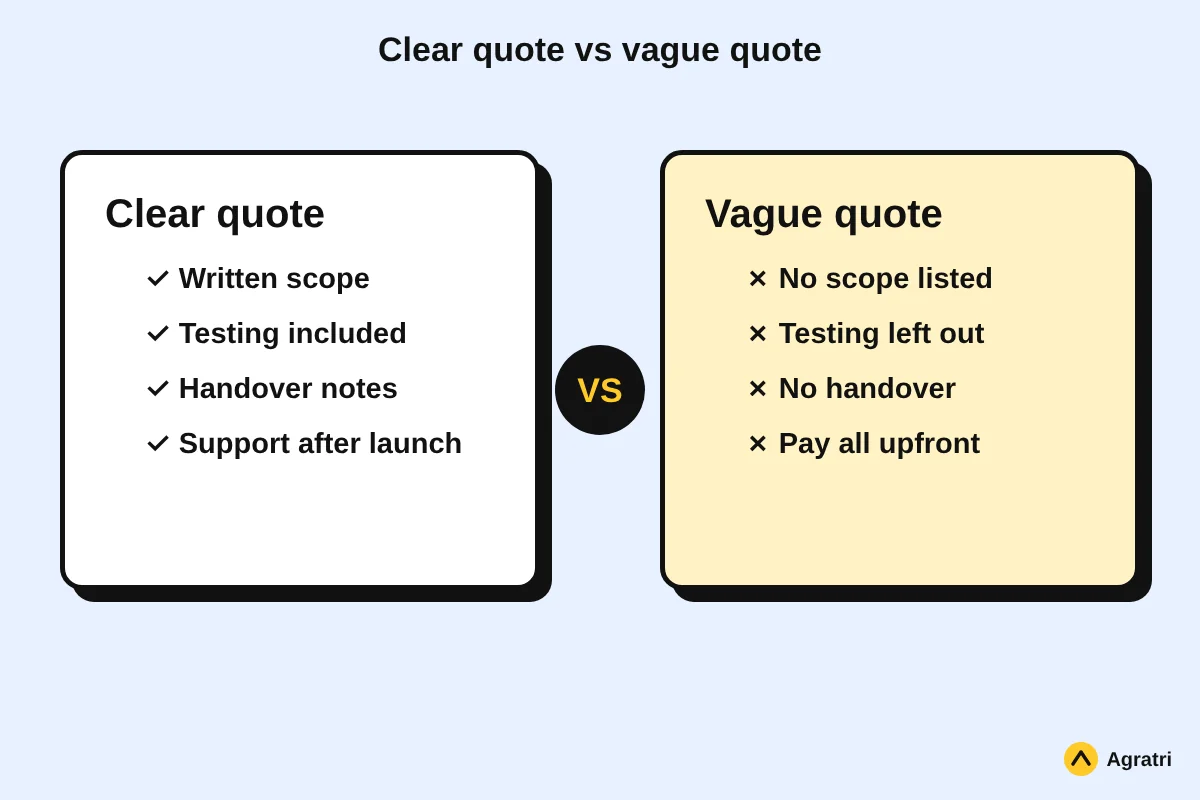
Prices vary widely, and the lowest quote is rarely the best one. A cheap quote often leaves out testing, handover or support. As a result, you pay again later to fix what was skipped.
Instead, compare what each quote includes. Check the scope, the number of revisions, the testing and the support after launch. Our article on WordPress theme development cost explains what drives the price, so you can read each quote with confidence.
Red flags in a quote
- No written scope or list of deliverables.
- Testing and handover left out of the offer.
- Pressure to pay everything upfront.
- A promise of results that sounds too good.
Step 7: Start small and agree on the rules
Before a large project, consider a small paid task first. It shows how the person communicates and how they handle feedback. If it goes well, move on to the full job.
Then agree on the basics in writing: the scope, the milestones, how you will talk, and how changes are handled. Clear rules protect both sides and keep the project calm.
Plan for life after launch
A new site still needs care. Themes, plugins and WordPress itself release updates, and each one can cause trouble. Decide early who will handle them. Our guide to a WordPress maintenance plan lists what to check before you sign.
Also ask the developer to hand over notes on how the site is built. Good notes let you or your next developer continue the work without guessing.
Frequently asked questions
How do I know if I need to hire a WordPress developer?
If your goal needs custom code, a new feature or a deep fix, you probably do. If you only need to change text, images and basic styling, the theme settings are often enough.
Should I hire a freelancer or an agency?
A freelancer often suits a small, clear task. An agency or studio suits larger projects, because several people can cover design, code and testing. Choose based on scope, not on title.
What should I give a developer before the project starts?
Share a short brief, your design files or theme, your deadline and your budget range. Also say who will manage the site afterwards, so the handover fits your needs.
What are signs of a bad hire?
Watch for vague answers, no written scope, no testing plan and no handover. Slow replies before the contract are also a hint of what comes after.
Can I hire a WordPress developer for a small fix only?
Yes. Many developers take small jobs such as speed fixes or plugin conflicts. State the problem clearly and ask how they will find the cause.
Ready to talk about your project?
If you want help from a team that builds clean, fast WordPress sites, share your brief with us. We can suggest whether customization or a custom build fits best. Contact the Agratri team and tell us what you need.